
Revision-oriented structure
Organize lesson content around ideas that are easier to revisit.
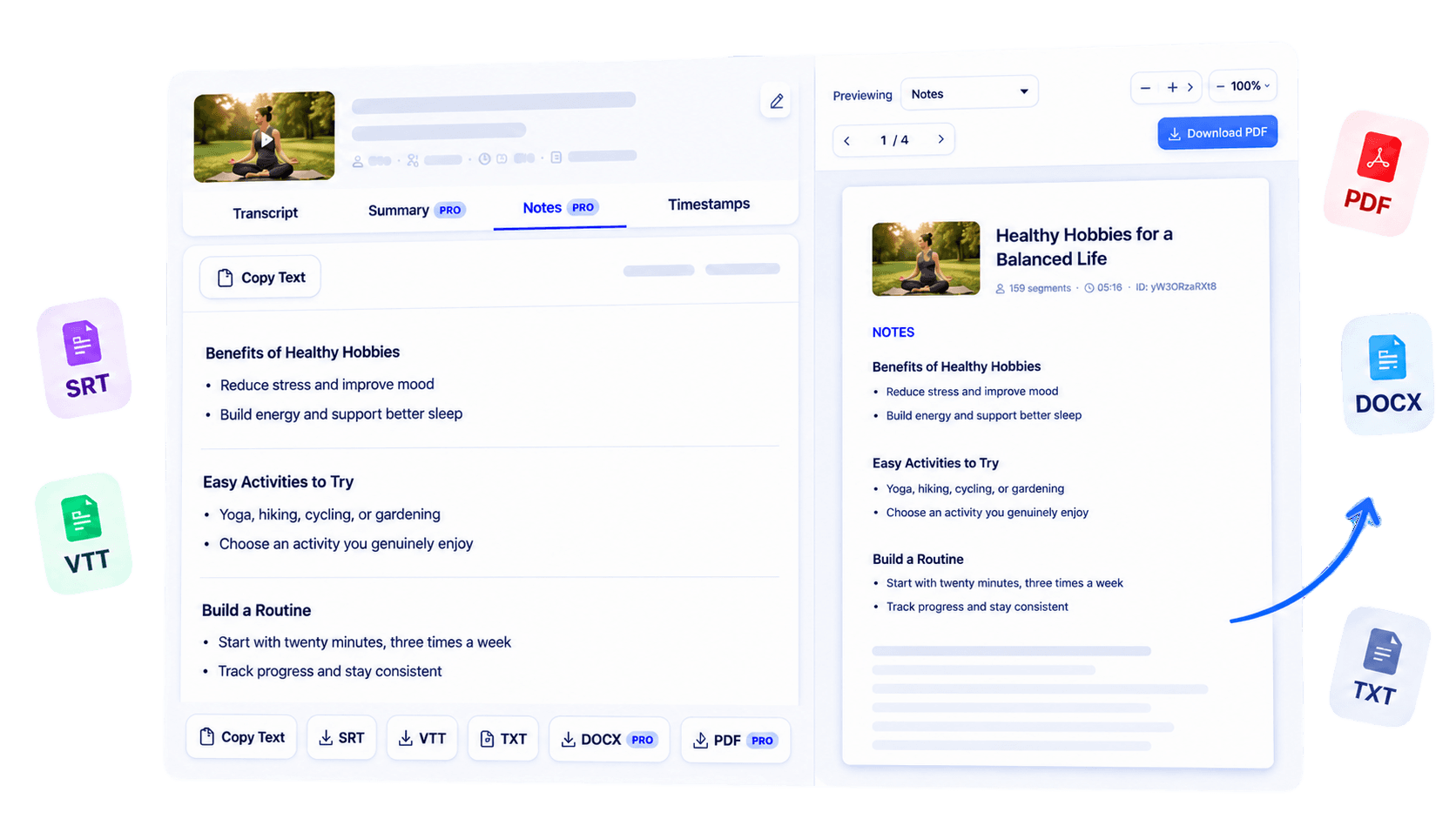
Transform a supported educational YouTube video into structured study notes. Review the central concepts, identify gaps that need another look, and build revision material from the transcript while keeping visual lesson details connected to the source.
Why use this tool
Organize lesson content around ideas that are easier to revisit.
Build from available spoken material rather than inventing visual context.
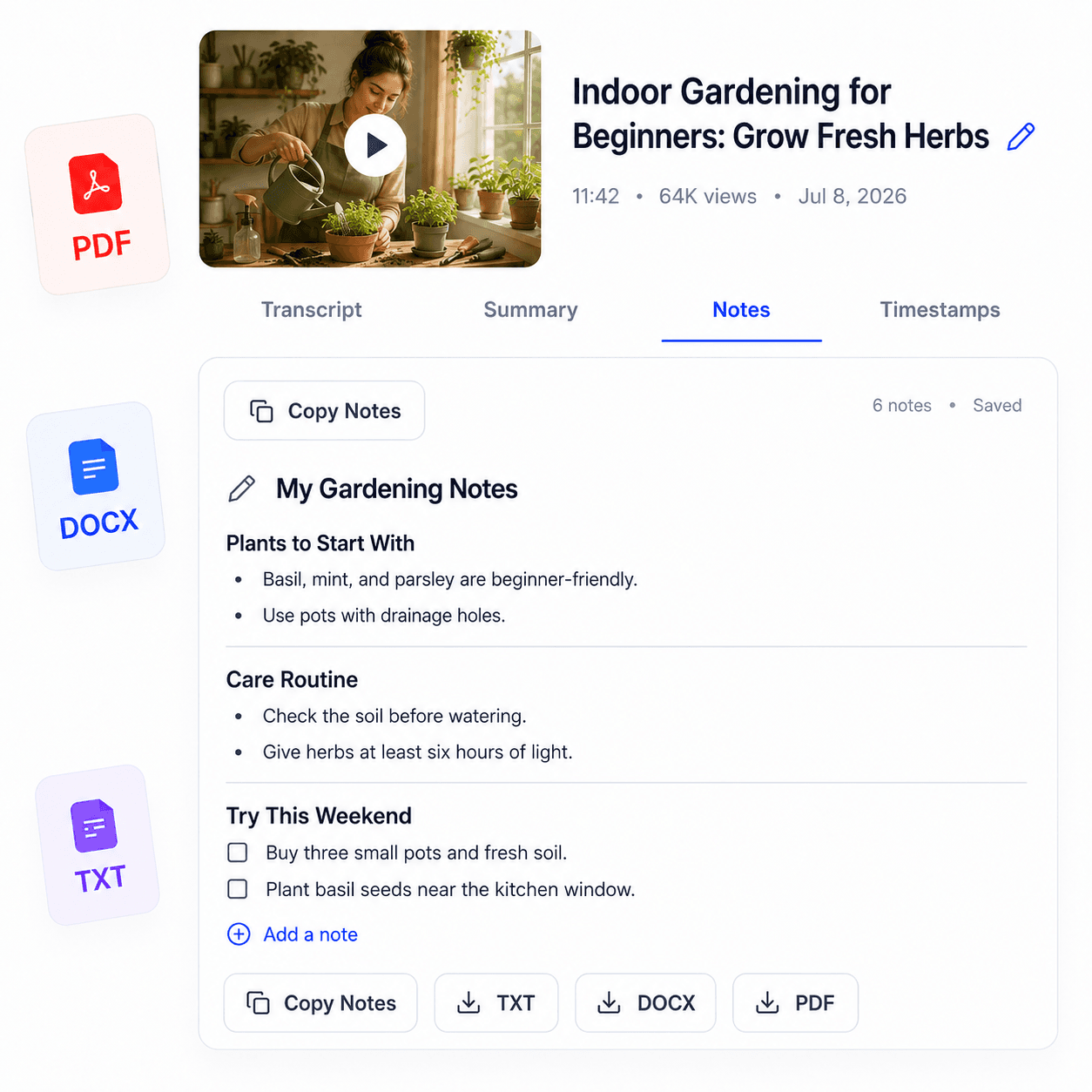
Copy the notes into flashcards, outlines, or the study system you prefer.
Overview
Educational videos are easier to remember when their ideas are reorganized for active review. Study Notes transforms the transcript of a supported YouTube lesson into structured material for students. Use it to identify central concepts, separate supporting explanations, and create a more focused starting point for revision.
The notes are based on what is spoken in the transcript, so formulas, diagrams, and demonstrations shown only on screen still need to be reviewed in the original lesson. Generate the source transcript first, then use AI notes when that feature is available with your access. Read the result critically, add examples in your own words, and compare important details with course materials.
The goal is not to replace watching or thinking; it is to turn a long video into an organized reference that makes the next study session more deliberate.
Key benefits
Return to the main concepts without replaying every minute first.
Use the organized material to identify topics that need another watch or reading.
Turn key points into your own questions, prompts, and explanations.
Who it is for
Focused on students who want video lessons to support an active, repeatable revision practice.
Prepare concise material for repeated review before an assessment.
Create structure around tutorials and self-directed courses.
Bring a shared outline to discussion and compare interpretations.
How it works
Paste a supported public YouTube video with accessible captions.
Generate the transcript and use the available notes workflow.
Verify details, add missing visual context, and rewrite ideas in your own words.
Clear answers about how this tool works, what it supports, and what to expect.
TubeText generates the available transcript first, then organizes its important ideas when AI note access is available.
Yes. Structured notes can make key ideas easier to revisit, but they should complement the original lesson and your own review.
No. Notes are based on transcript text, so diagrams and other visual-only details should be checked in the video.
Public YouTube lessons with clear, accessible captions and a well-organized explanation provide the strongest source text.
Next step
Make the next review session more active. Turn a supported educational video into structured study notes, check them against the lesson, and develop them with your own questions and examples.
Try Study Notes from YouTube VideosKeep working
Create organized notes from video transcripts.
ExploreCapture the spoken content of recorded classes.
ExploreSearch across spoken course material.
ExploreGet a concise overview before studying.
Explore