
Lightweight file
Save transcript content without the overhead of a styled document format.
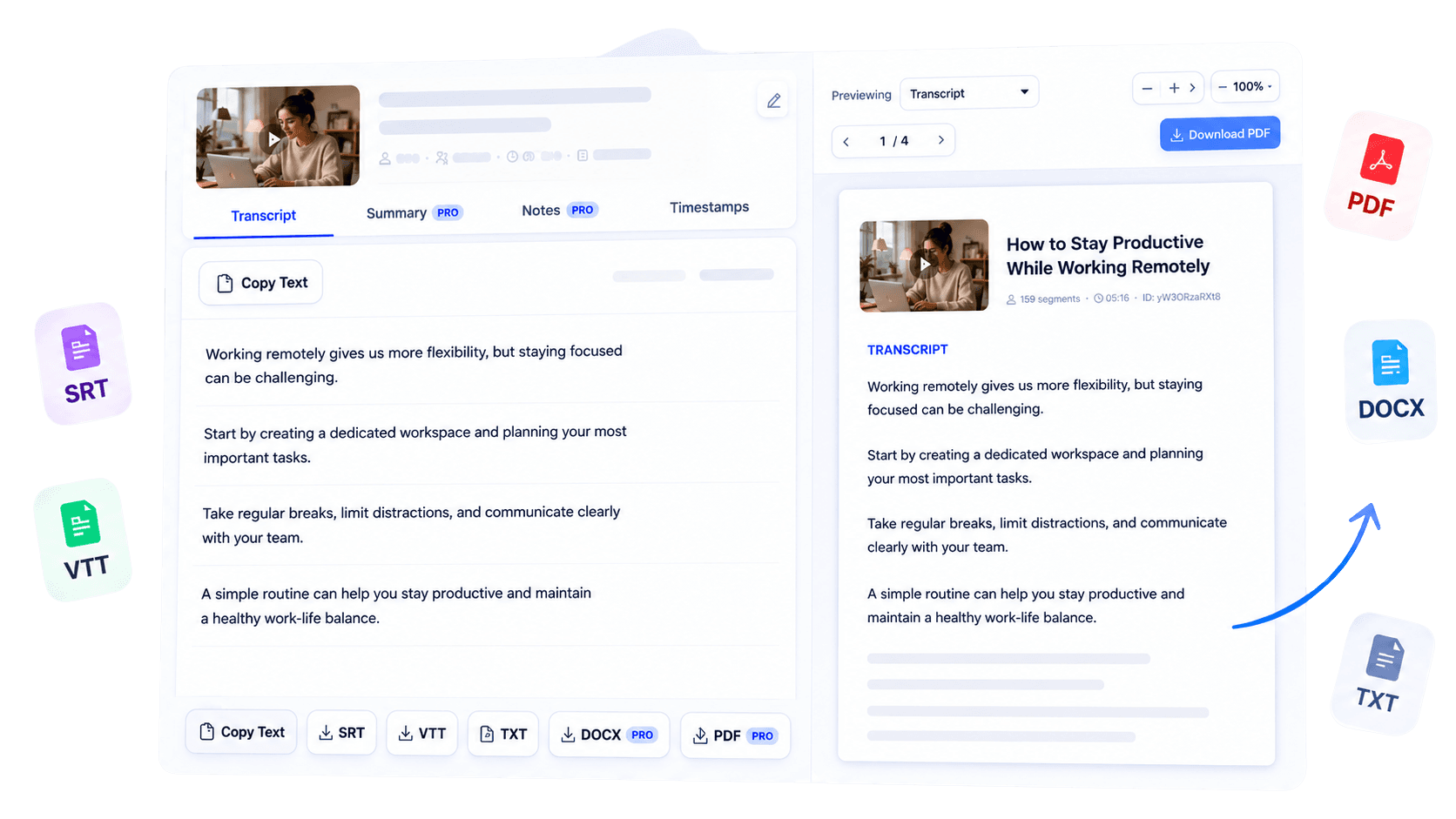
Export a supported YouTube transcript as a lightweight TXT file. Open it almost anywhere, search or process the content with developer tools, and move clean plain text into another system without document formatting overhead or conversion steps.
Why use this tool
Save transcript content without the overhead of a styled document format.
Open the result in text editors, code editors, and many import workflows.
Use plain text as a practical input for search, scripts, and downstream analysis.

Overview
Plain text is often the most useful export when compatibility and simplicity matter more than presentation. YouTube Transcript to TXT saves the transcript from a supported video in a lightweight format that developers and other users can open almost anywhere.
A TXT file is easy to search, store, parse with scripts, place under version control, or import into tools that accept unformatted text. Start by generating the available transcript from a public YouTube URL, review it for source-caption limitations, and choose the TXT export offered for your level of access.
The format intentionally avoids elaborate document styling, which keeps the file portable and straightforward to process. Whether you are preparing a small dataset, keeping a compact archive, or moving spoken content into another system, TXT provides a clean handoff from video to machine-readable text.
Key benefits
Keep compact transcript archives that are easy to move and back up.
Process uncomplicated text without extracting it from a formatted document.
Use a durable, widely understood file type across operating systems and tools.
Who it is for
A straightforward export for technical and practical workflows where clean text is the priority.
Feed transcript text into scripts, search indexes, or internal utilities.
Prepare clean source material for permitted analysis and organization.
Keep a small, distraction-free transcript file that opens anywhere.
How it works
Generate text from a supported public YouTube URL.
Check the transcript before moving it into an automated workflow.
Choose the plain-text option when available and use it in your preferred tool.
Clear answers about how this tool works, what it supports, and what to expect.
It is a lightweight plain-text version of the generated transcript that opens in text editors and many developer tools.
TXT prioritizes portable text over document styling, making it useful for simple processing and storage.
Yes. Plain text is convenient for search, scripts, text analysis, and importing into other tools.
Choose TXT when file size, compatibility, and machine-readable text matter more than visual formatting.
Next step
Choose TXT when you want the transcript and nothing in the way. Generate, review, and export clean plain text that can travel easily between editors, scripts, archives, and search workflows.
Try YouTube Transcript to TXTKeep working
Extract readable text from a supported video.
ExploreUse an editable Word document instead.
ExploreCreate a presentation-ready transcript.
ExploreConvert spoken video content into text.
Explore