
URL-based conversion
Start with a supported public YouTube link—no local video upload is required.
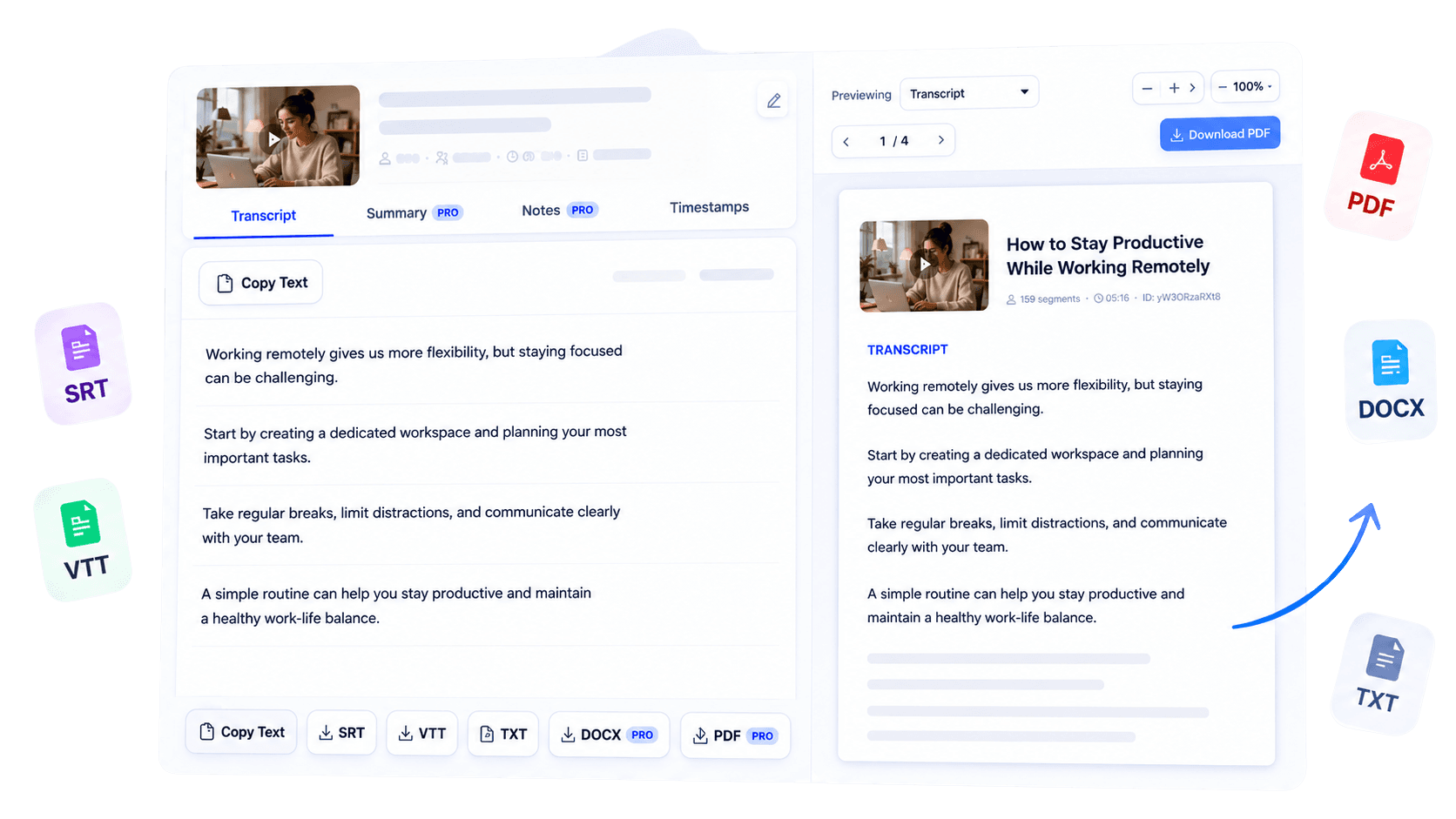
Convert the spoken content of a supported YouTube video into editable text. Search long discussions, copy useful passages, and move the result into research, teaching, or business workflows without navigating the video timeline repeatedly at any time.
Why use this tool
Start with a supported public YouTube link—no local video upload is required.
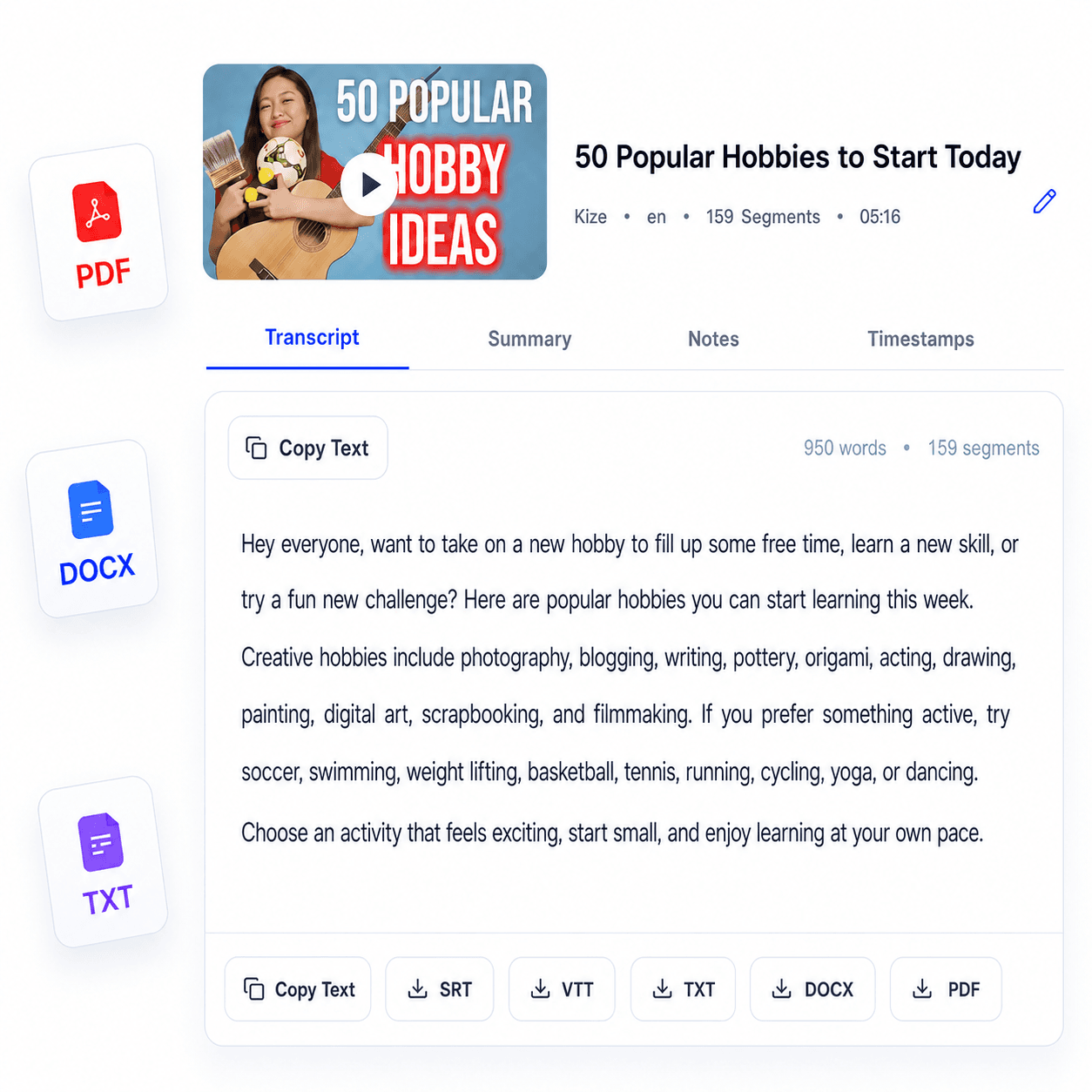
Receive spoken material as text you can select, copy, search, and reorganize.
Read the converted content as structured transcript segments instead of raw caption fragments.
Overview
Video often contains valuable explanations, interviews, and decisions that are difficult to retrieve once the recording ends. TubeText’s video to text converter turns the spoken content of a supported public YouTube video into editable text using its available captions.
Researchers can search long discussions for evidence, educators can prepare lesson material from recorded explanations, and businesses can move useful information into briefs or internal documents. The result is designed for practical text work: reading, selecting, copying, and organizing information without repeatedly navigating a timeline.
This workflow currently begins with a YouTube URL rather than an uploaded video file, which keeps the process simple and transparent. After the text is generated, review it against the recording when accuracy is critical, then use the supported note, summary, or export options available to your account.
Key benefits
Search written video content for names, terms, claims, and recurring themes.
Review the relevant passage in text before returning to the exact point in the video.
Use the converted text as the basis for notes, summaries, or supported document exports.
Who it is for
A flexible starting point for teams and individuals who need spoken video information in an editable medium.
Search interviews, talks, and source material more efficiently.
Prepare references and learning resources from recorded explanations.
Move useful spoken information into documents and team workflows.
How it works
Copy the URL of a public YouTube video with accessible captions.
Submit the link so TubeText can format the available spoken content.
Copy the result or continue into notes, summaries, and available exports.
Clear answers about how this tool works, what it supports, and what to expect.
TubeText reads captions available for a supported public YouTube URL and formats them as readable text.
No. The current input is a supported YouTube URL; arbitrary video file uploads are not available.
You can review it, copy it, search it and use supported transcript tools or exports based on your access level.
A video may be private, restricted, unavailable in your region or missing accessible captions.
Next step
When the information inside a video needs to become searchable and reusable, start with a clean text version. Convert the supported YouTube video, check important passages, and carry the material into the research, teaching, or business task ahead.
Try Video to Text ConverterKeep working
Generate readable transcripts from supported videos.
ExploreWork with timestamped subtitle text.
ExploreSummarize the transcript from a supported video.
ExploreMove the converted text into an editable document.
Explore