
Organized output
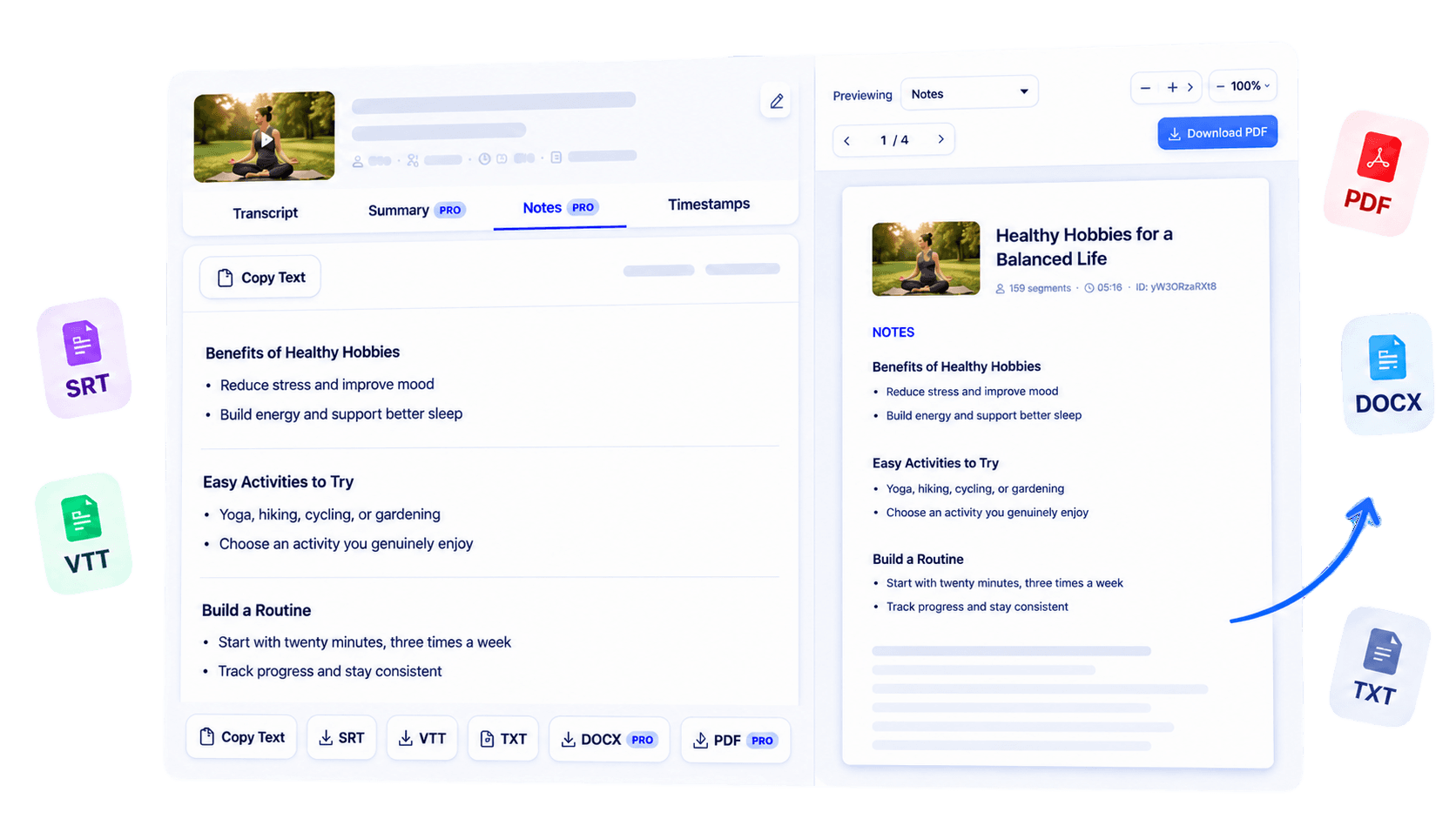
Turn a linear transcript into notes that surface important ideas and supporting points.
Turn a supported YouTube video into organized notes you can review and reuse. Surface the important ideas from its transcript, add your own context, and carry the result into study, research, or knowledge-management workflows after the video ends.
Why use this tool
Turn a linear transcript into notes that surface important ideas and supporting points.
Ground the notes in the spoken content available for the video.
Copy the result into the study, research, or documentation system you already use.

Overview
Watching a useful video is only the first step; the harder part is turning it into knowledge you can find again. YouTube Notes Generator organizes the available transcript of a supported video into clearer notes for students and knowledge workers. Instead of leaving important ideas buried in a timeline, the workflow gives them a written structure that is easier to review, refine, and connect to a larger project.
Use it for tutorials, interviews, lectures, presentations, or professional explainers published on YouTube. Notes are created from spoken transcript text, so visual examples and on-screen details still require the original video. When AI note generation is available for your plan or transcript, review the result, add your own interpretation, and verify any high-stakes facts.
The outcome is a stronger bridge between watching something once and using it later.
Key benefits
Revisit a structured version of the material instead of relying on memory.
Begin with organized ideas rather than reshaping an entire raw transcript yourself.
Carry useful video insights into projects, classes, and personal knowledge bases.
Who it is for
Useful for anyone who wants video learning to become durable, searchable working knowledge.
Organize lessons and tutorials into material that is easier to revise.
Capture useful points from webinars, interviews, and explainers.
Create a written starting point for discussion and follow-up.
How it works
Start with a supported public YouTube video.
Create the text that the notes workflow will organize.
Review, correct, and add your own context before saving or sharing.
Clear answers about how this tool works, what it supports, and what to expect.
Generate the transcript first, then use the Notes view when it is available for your access level.
TubeText creates notes from the available transcript text, not from visual scene analysis.
Yes, supported lectures with accessible captions can be converted into transcript text and organized for study.
No unsupported unlimited claim is made. Availability and usage limits depend on your plan or transcript access.
Next step
Move from passive watching to active understanding. Generate organized notes from a supported YouTube transcript, add your own judgment, and keep the resulting knowledge where you can use it again.
Try YouTube Notes GeneratorKeep working
Condense transcript text into a shorter overview.
ExploreGenerate the source transcript for your notes.
ExploreCreate text from supported podcast episodes on YouTube.
ExploreOrganize recorded classes for later review.
Explore