
Readable transcript
Turn available captions into clean text that is easier to scan and search.
Extract a clear transcript from a supported public YouTube video in seconds. Search the spoken content, review timestamped passages, and continue with notes, summaries, or exports without replaying the entire video whenever you need one detail.
Why use this tool
Turn available captions into clean text that is easier to scan and search.
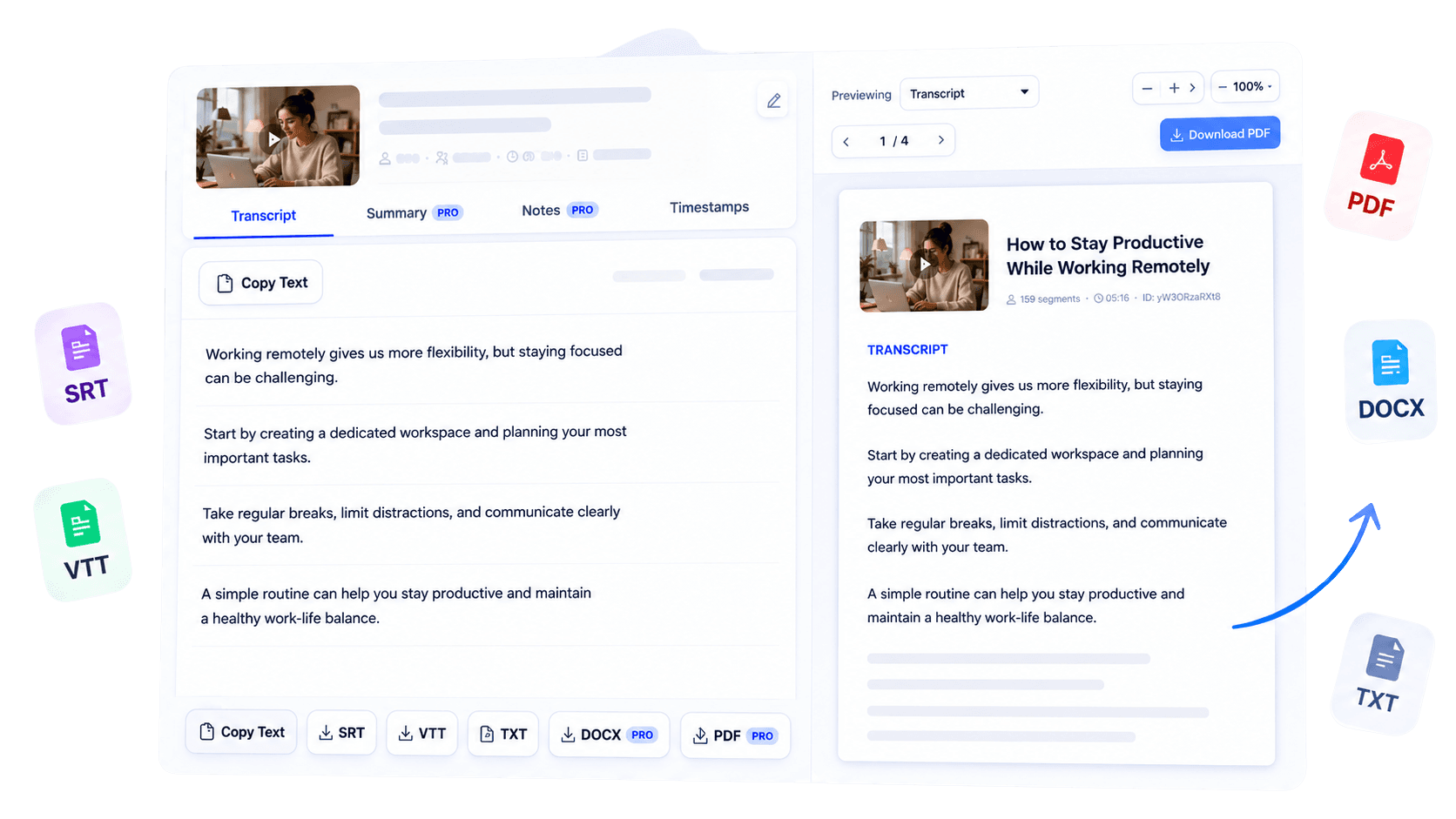
Use timed segments when available to move between the transcript and source video.
Continue from the transcript into supported summaries, notes, translations, and exports.
Overview
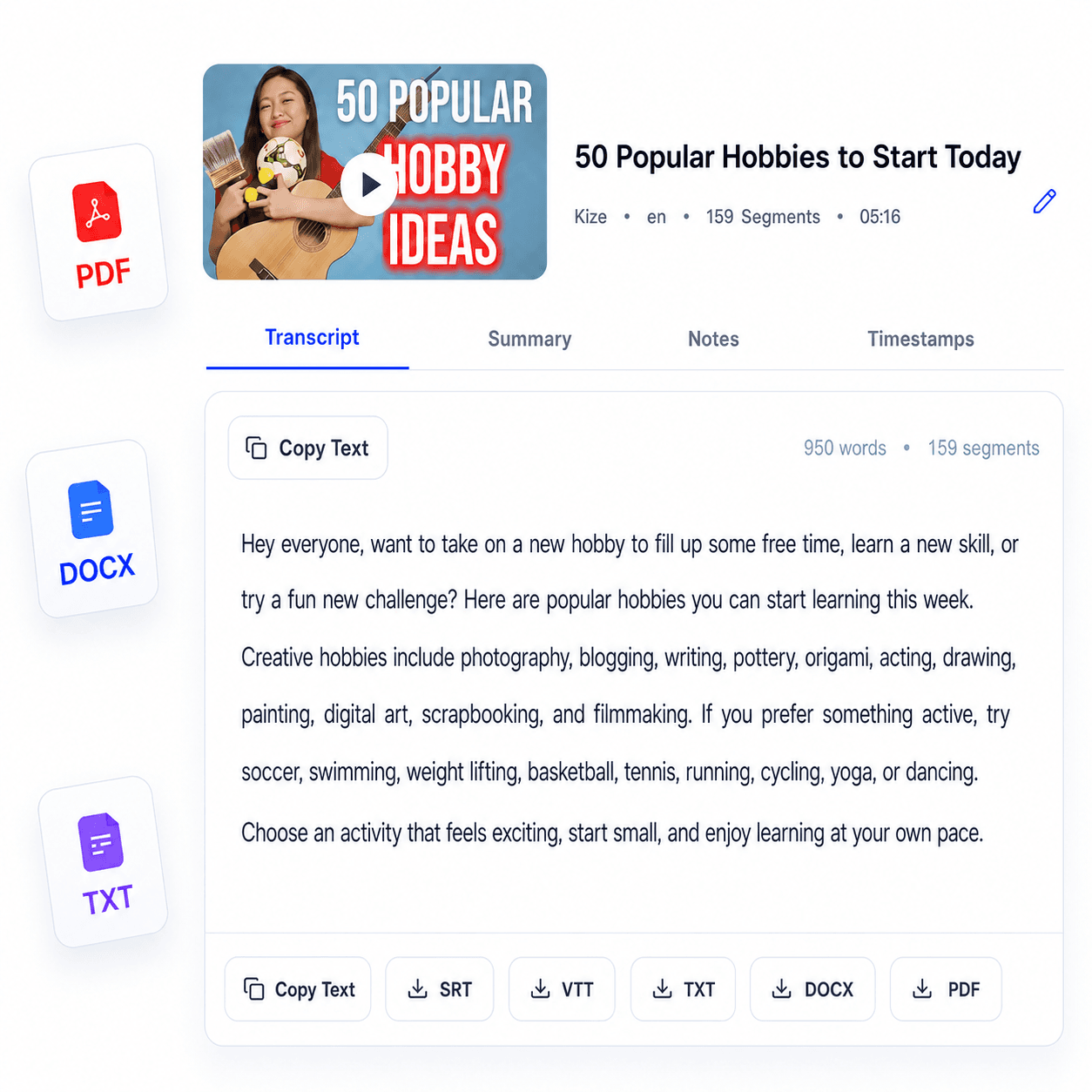
A useful YouTube transcript should make spoken information easier to work with, not force you to replay a video whenever you need one detail. TubeText extracts the available captions from a supported public YouTube video and turns them into clear, readable text in seconds.
Creators can reuse spoken ideas while planning edits or written content, students can search a lesson for key terms, and journalists can review quotes against the original recording. The transcript remains connected to the source material, so it is practical for close reading, research, and note-taking.
Paste a YouTube link to begin, choose the available language when needed, and review the result in a format built for scanning. From there, you can copy the text or use the export and AI tools included with your current level of access.
Key benefits
Locate a phrase or topic without scrubbing through the entire recording.
Move spoken material into research, editorial, or study workflows while retaining its source context.
Copy, search, organize, and reference video content in a flexible written format.
Who it is for
Built for people who need to inspect and reuse the spoken substance of a YouTube video.
Review scripts, interviews, and recorded ideas while planning new content.
Search lessons and collect the passages that matter for revision.
Examine interviews and statements alongside the original video source.
How it works
Add the link to a supported public YouTube video.
TubeText retrieves and formats the available caption text.
Search, copy, or continue with the available export and AI options.
Clear answers about how this tool works, what it supports, and what to expect.
Paste a public YouTube URL into the form and start the transcription. TubeText uses the captions available for that video.
Public videos with accessible captions work best. Private, restricted, deleted or captionless videos may not produce a transcript.
The transcript is returned as readable text that you can review, copy and reuse in your workflow.
Available exports depend on your access level and currently include supported text and subtitle formats such as TXT, SRT and VTT.
Next step
Turn the next YouTube video you need to study, cite, or repurpose into text you can actually work with. Generate its transcript, verify important details against the source, and choose the next tool that fits your workflow.
Try YouTube Transcript GeneratorKeep working
Convert supported video content into editable text.
ExploreCreate a concise summary from transcript text.
ExploreTurn a transcript into structured notes.
ExploreExport the transcript as a polished document.
Explore