
Consistent document layout
Export transcript content in a format designed to look stable across devices.
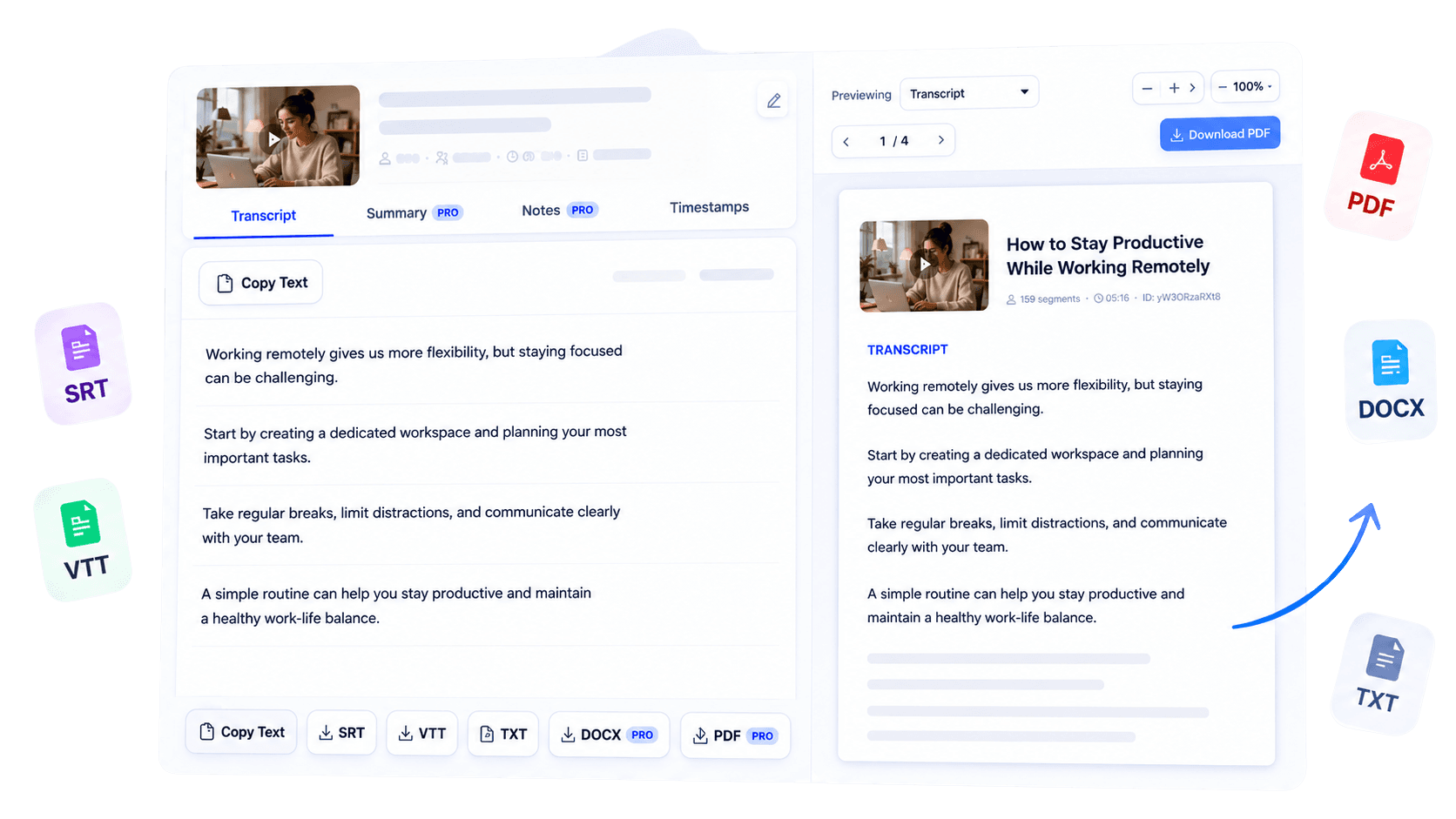
Turn a supported YouTube transcript into a polished PDF document. Create a stable copy for offline reading, printing, annotation, or research sharing without manually rebuilding the transcript in another application across devices and collaborative projects.
Why use this tool
Export transcript content in a format designed to look stable across devices.
Keep a portable copy for reference when the browser or video is not convenient.
Use a document type suited to printing, annotation, and formal sharing.
Overview
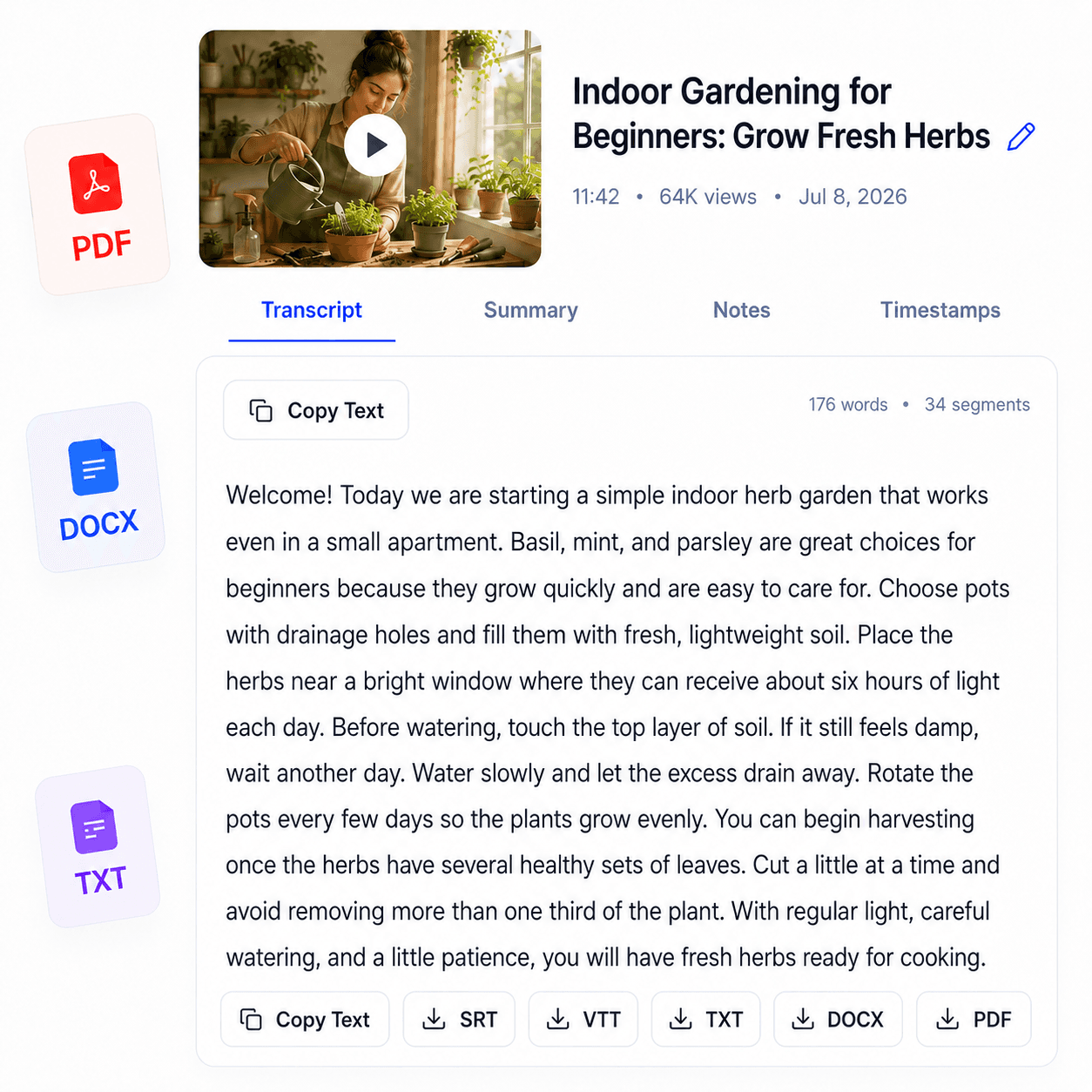
A transcript is easier to share, archive, and print when it arrives as a consistently formatted document. YouTube Transcript to PDF converts the text from a supported video into a polished PDF for researchers and students.
Use it to keep an offline reading copy, attach source material to a project, or prepare a transcript for annotation away from the browser. PDF preserves the document’s presentation across devices more reliably than plain text, making it a practical option when layout and portability matter.
Begin by generating the transcript from a public YouTube URL, review the content for names, terminology, and source-caption errors, then choose PDF export when it is available for your access level. The finished file supports study and research workflows while the original video remains the best reference for tone, visuals, and exact context.
Key benefits
Store a readable transcript with research or course materials.
Send collaborators a document whose layout is less likely to shift.
Read and mark up the transcript using familiar PDF tools.
Who it is for
Ideal when a transcript needs to become a durable reading document rather than an editable draft.
Archive transcript sources and annotate relevant passages.
Keep course or lesson transcripts alongside revision materials.
Share a consistent document for feedback and reference.
How it works
Start with a supported public YouTube video and retrieve its text.
Review important wording against the source before creating a document.
Choose the PDF option when available, then save or share the formatted file.
Clear answers about how this tool works, what it supports, and what to expect.
Generate the transcript from a supported YouTube URL, then choose the PDF export when it is available for your access level.
The PDF is created from the transcript returned for the video, subject to the source captions and your current access.
Yes. PDF is designed for consistent viewing, sharing, archiving, and printing.
Export availability depends on your plan or purchase access and on a transcript being generated successfully.
Next step
Give important video research a stable home. Generate and review the transcript, export it as a professionally formatted PDF, and keep the original recording nearby whenever visual or spoken nuance matters.
Try YouTube Transcript to PDFKeep working
Generate the transcript you want to export.
ExploreCreate an editable Word document.
ExploreDownload a lightweight plain-text file.
ExploreTurn educational videos into revision material.
Explore