
Concise overview
Reduce a long transcript to its principal topics and takeaways.
Create a concise AI summary from the transcript of a long YouTube video. Identify the main ideas quickly, decide what deserves a closer watch, and return to the full transcript whenever exact context matters before you act on it.
Why use this tool
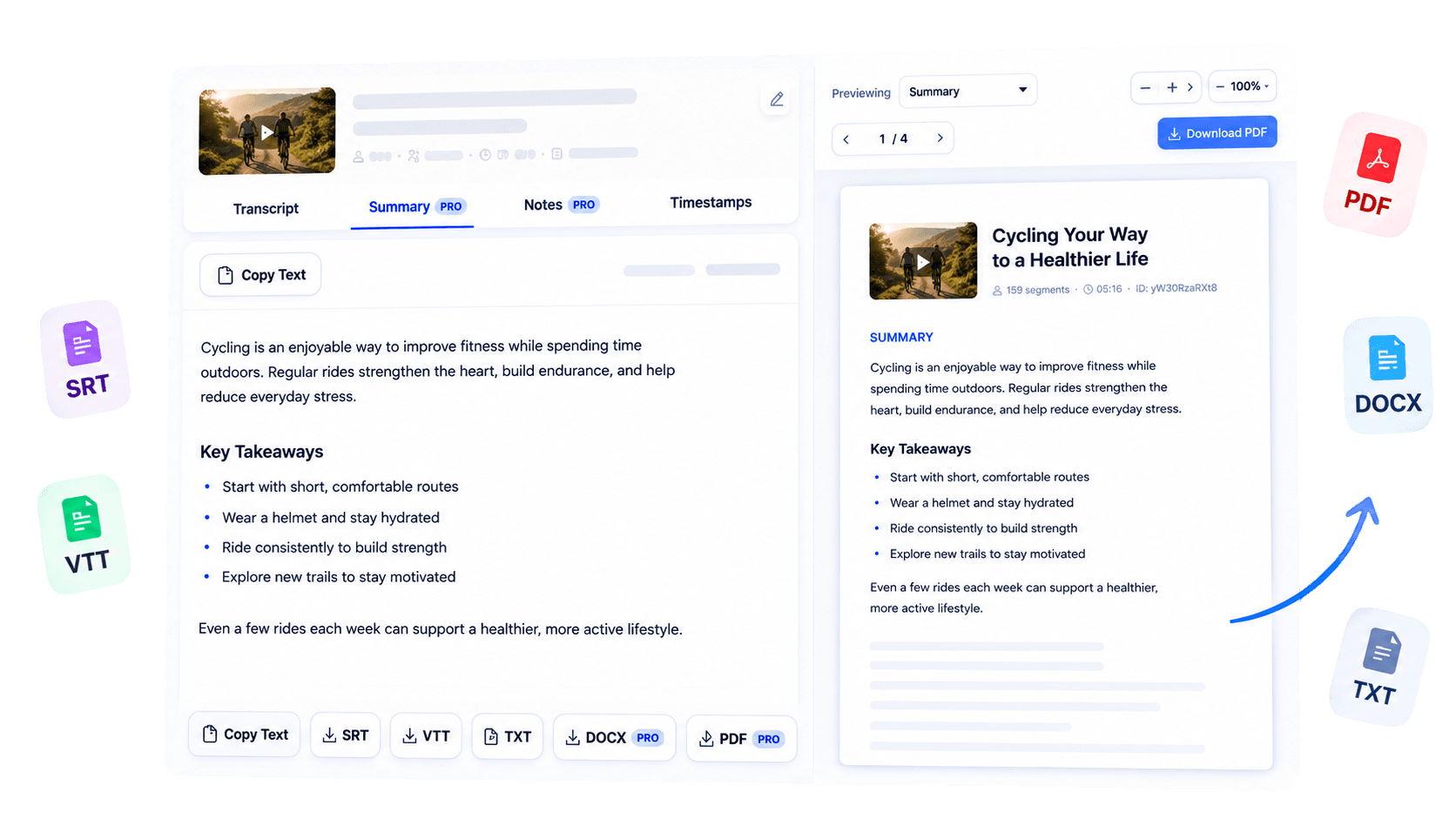
Reduce a long transcript to its principal topics and takeaways.
Generate the summary from available spoken text rather than visual scene analysis.
Move between the short overview, complete transcript, and original video.
Overview
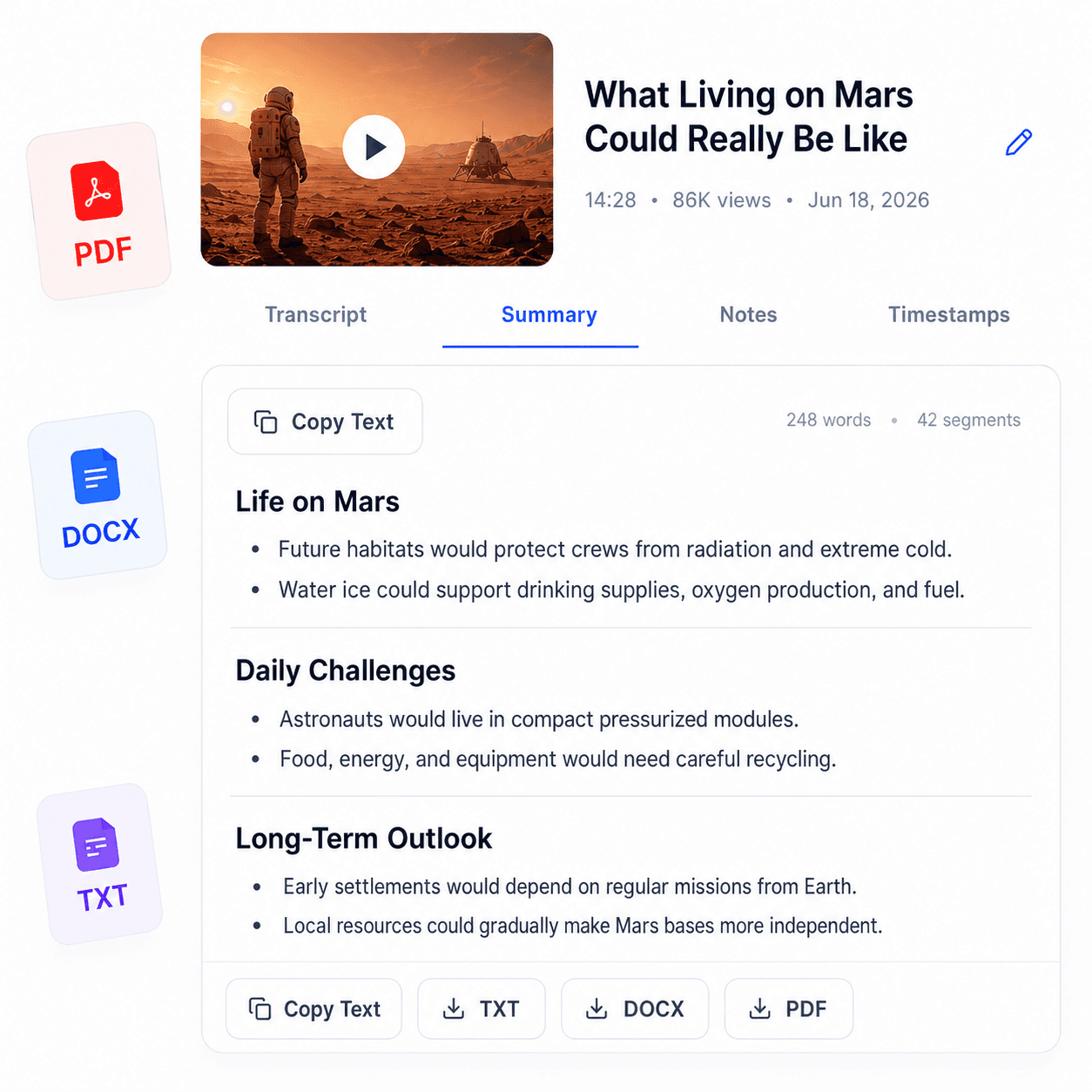
Long YouTube videos can contain one useful argument surrounded by examples, context, and repetition. AI YouTube Summary helps busy professionals and learners reach the central ideas more quickly by condensing the available transcript text. Start with a supported public YouTube video, generate its transcript, and use the AI summary option when it is included with your current access.
The summary focuses on spoken content; it does not inspect diagrams, demonstrations, or other visual-only information. That makes it useful for deciding whether a video deserves a full watch, refreshing your memory after viewing, or creating a concise orientation before deeper study. For decisions, quotations, or technical details, return to the transcript and original recording.
TubeText gives you a shorter path through the material while keeping the complete source close at hand.
Key benefits
Understand a video’s likely relevance before committing to the full runtime.
Revisit the central message after a webinar, interview, or lesson.
Use the overview to identify which parts deserve closer reading or viewing.
Who it is for
Designed for people who value the substance of long-form video but have limited time to process it.
Scan talks, interviews, and industry videos for relevant ideas.
Preview or recap educational material before deeper review.
Create a shared orientation to important video content.
How it works
Paste a supported public YouTube URL into TubeText.
Generate the transcript that will ground the summary.
Use the AI summary, then check critical details against the transcript and video.
Clear answers about how this tool works, what it supports, and what to expect.
TubeText first retrieves available transcript text, then the summary tool condenses that text when AI access is available.
No. The summary is based on transcript text and does not analyze visual scenes or objects.
Availability and usage limits depend on your current plan or transcript purchase access.
A summary cannot be generated through this workflow when accessible transcript text is unavailable.
Next step
Get the shape of a long YouTube video without losing your route back to the source. Generate a concise transcript-based summary, identify the ideas that matter, and revisit the full context wherever precision is important.
Try AI YouTube SummaryKeep working
Use AI to condense available transcript text.
ExploreCreate structured notes from transcript content.
ExploreStart with a readable YouTube transcript.
ExploreStructure educational video content for revision.
Explore