
Fast Transcript Extraction
Retrieve available YouTube captions as clean, readable text without watching the entire video.
Start with a YouTube transcript, then create AI summaries, study notes, translations, and documents you can use. Explore dedicated tools for each step of your workflow.
By submitting a video, you agree to our Terms of Use and acknowledge our Privacy Policy.
Turn supported YouTube videos into useful text, AI insights and ready-to-use files.
Retrieve available YouTube captions as clean, readable text without watching the entire video.
Request transcripts in the language selected on TubeText, with translation when a matching track is unavailable.
Turn transcript text into a concise summary or structured notes when AI access is available.
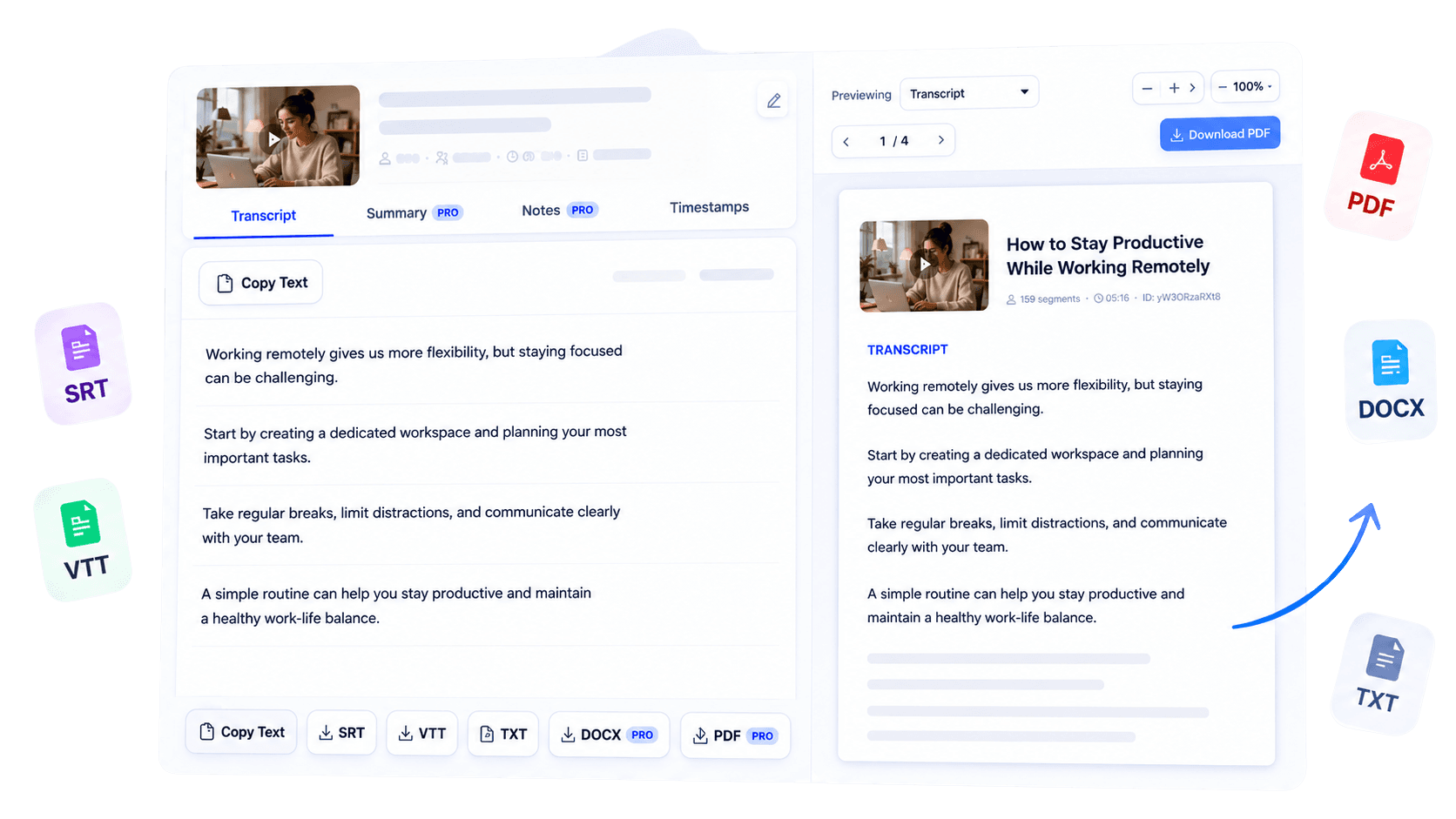
Copy text or export supported results as TXT, SRT, VTT, PDF or DOCX according to your access.
Keep the timing of each transcript segment for subtitles, references and precise review.
See the video thumbnail, title, channel, duration and transcript language with the result.
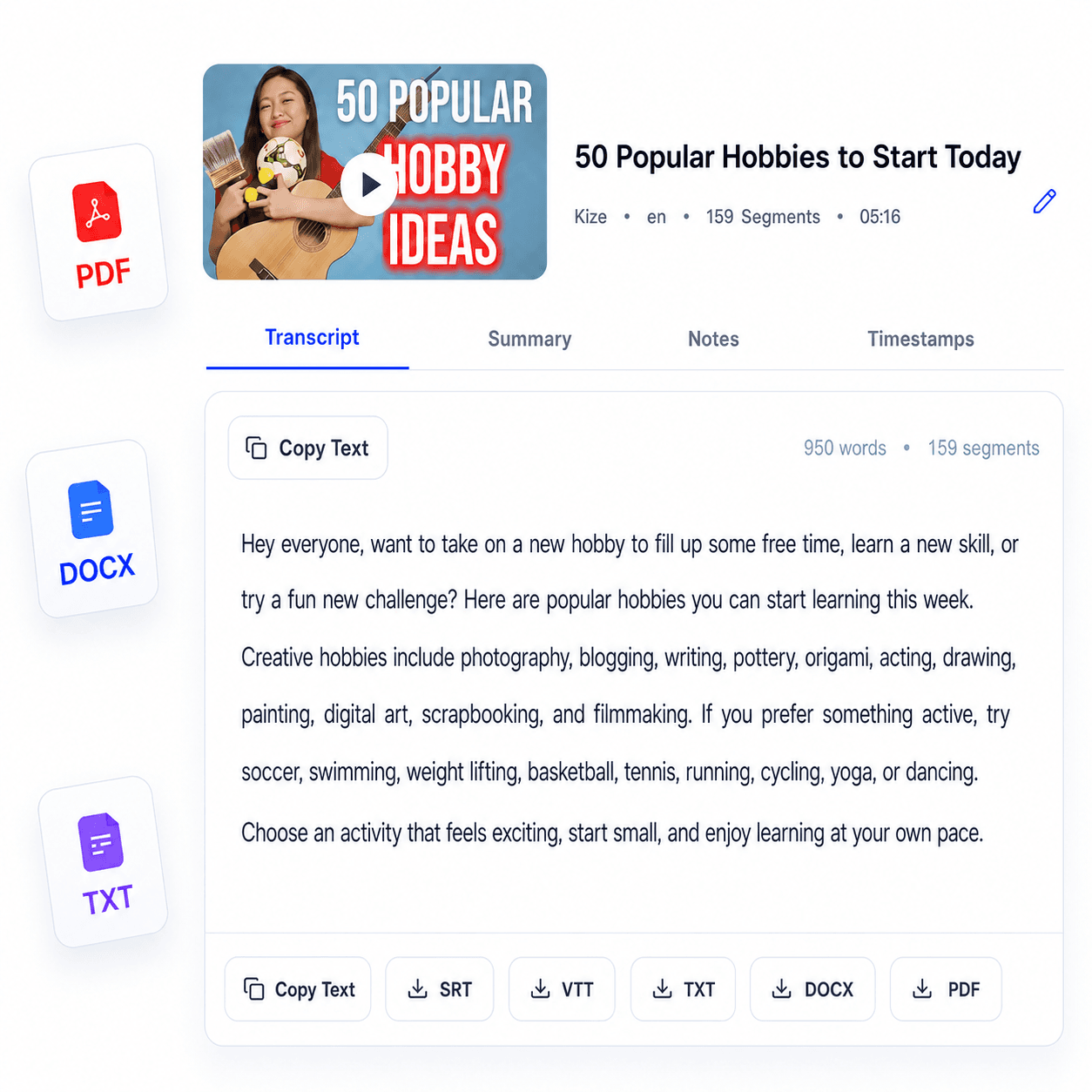
Once your transcript is ready, you can review, copy, and export it in just a few clicks.
Review your transcript directly in the result editor.
Use the Transcript, Summary, Notes, or Timestamps view available with your plan.
Copy the text or export it as TXT, SRT, VTT, PDF, or DOCX when included with your plan.
Reuse the transcript for notes, captions, research, and content planning.
From students to creators, TubeText helps anyone turn YouTube videos into useful text.
Turn lectures into organized study notes and exam materials.
Repurpose YouTube videos into blogs, newsletters and social posts.
Generate transcripts for every episode in seconds.
Extract quotes and important moments from interviews.
Search technical talks without watching entire videos.
Reuse video content for SEO, email campaigns and social media.
Ready to transform your first video?
Start FreeFind answers to the most common questions about TubeText.
TubeText converts eligible YouTube videos into clean, readable text. You can use the transcript to understand the content, take notes, create summaries, or repurpose it for your workflow.
Paste a public YouTube link into the form and start the transcription. If captions are available, TubeText extracts them and returns readable text in the browser.
You can turn a transcript into notes, article drafts, outlines, subtitles, research snippets, meeting prep, or content plans.
Accuracy depends on the captions available for the original video. Human-written captions are usually cleaner, while auto-generated captions may include timing or recognition mistakes.
TubeText can work with languages available in the video's captions. The interface currently supports English and French, with more languages planned.
Yes. TubeText supports TXT, SRT, VTT, PDF, and DOCX exports. The formats available to you depend on your plan or one-time transcript access.
The frontend sends only the video URL to the server endpoint. Processing should happen on the server, and the final privacy rules are described in the Privacy Policy.
No account is required for your first transcript and one AI generation. Sign up or log in to continue and keep your transcript history connected to your account.
Public YouTube videos with accessible captions work best. Private, age-restricted, region-blocked, deleted, or captionless videos may not return a transcript.