
Fast Transcript Extraction
Retrieve available Instagram captions as clean, readable text without watching the entire video.
Instagram to text
Paste a public Instagram Reel or video link to get a readable transcript with timestamps.
Turn public Instagram videos into useful text, AI insights, and ready-to-use files.
Retrieve available Instagram captions as clean, readable text without watching the entire video.
Request transcripts in the language selected on TubeText, with translation when a matching track is unavailable.
Turn transcript text into a concise summary or structured notes when AI access is available.
Copy text or export supported results as TXT, SRT, VTT, PDF or DOCX according to your access.
Keep the timing of each transcript segment for subtitles, references and precise review.
See the video thumbnail, title, channel, duration and transcript language with the result.
From students to creators, TubeText helps anyone turn Instagram videos into useful text.
Turn lectures into organized study notes and exam materials.
Repurpose YouTube videos into blogs, newsletters and social posts.
Generate transcripts for every episode in seconds.
Extract quotes and important moments from interviews.
Search technical talks without watching entire videos.
Reuse video content for SEO, email campaigns and social media.
Ready to transform your first video?
Start Free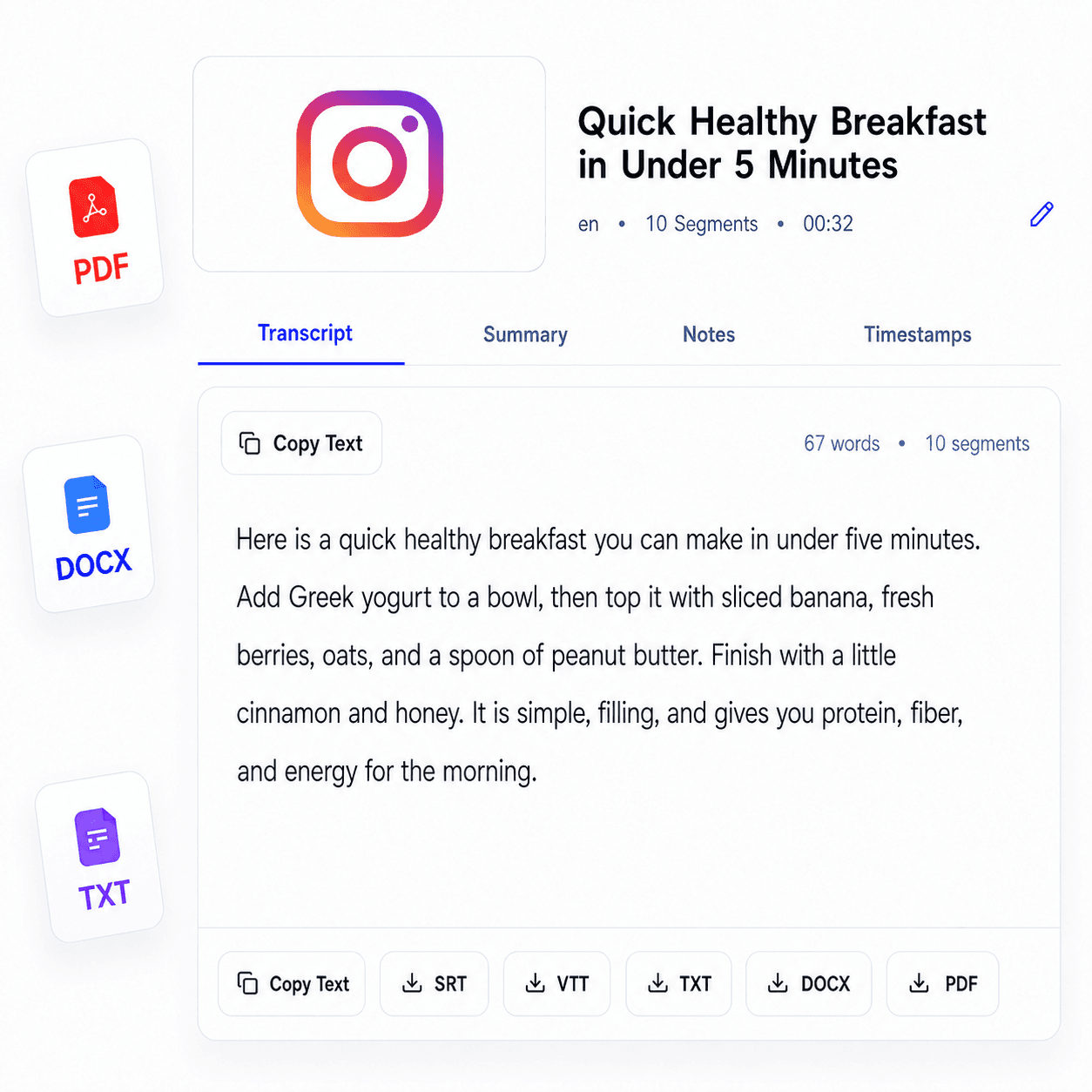
Paste a public Instagram link, generate the transcript, then review, copy, summarize, or export it.
Copy the URL of a public Instagram video and paste it into the form above.
Choose the transcript language and start the transcription.
Review the transcript, summary, notes, and timestamped segments in one workspace.
Copy the text or download it for captions, research, notes, and content planning.
Answers about creating and using Instagram transcripts with TubeText.
Paste a public Instagram video URL into the form, choose a language, and select Get transcript. TubeText returns readable text with timestamped segments when processing succeeds.
No. TubeText first looks for available text and can use speech recognition when native captions are unavailable.
Publicly accessible Instagram videos work best. Private, login-only, deleted, age-restricted, or heavily region-blocked content cannot be processed.
Yes. After generating the transcript, use the Summary and Notes tabs to organize the spoken content with AI.
You can copy the text and use the available TXT, SRT, VTT, PDF, or DOCX export options according to your access level.
Yes. TubeText stores successfully processed Instagram transcripts so repeated requests for the same URL and language can avoid another provider request.