
Editable Word output
Open the exported transcript in Microsoft Word or a compatible editor.
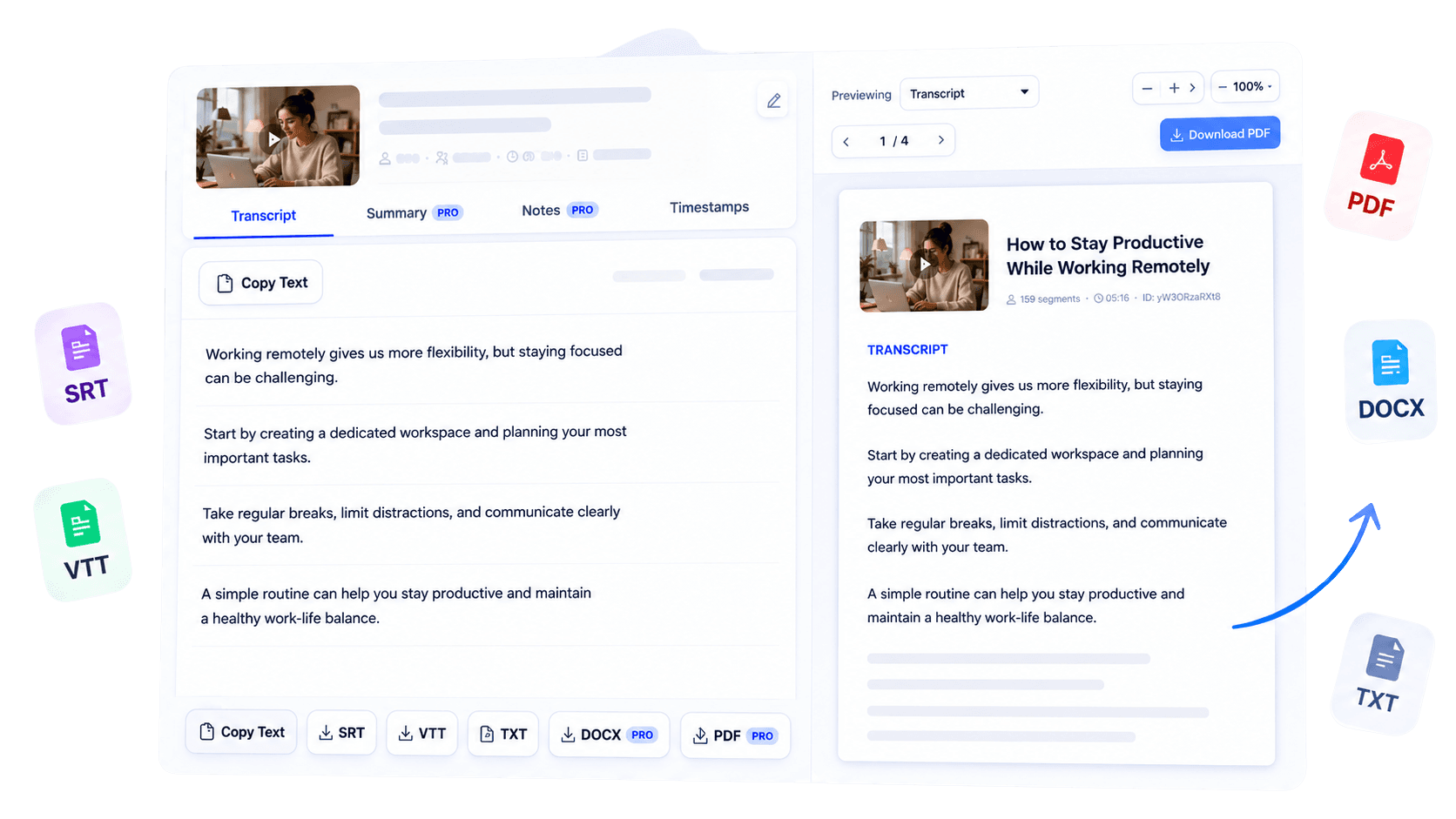
Convert a YouTube transcript into an editable Word document. Review the text, add comments, apply your own formatting, and continue working in DOCX without copying the entire transcript manually into a separate file for your editorial or business workflow.
Why use this tool
Open the exported transcript in Microsoft Word or a compatible editor.
Begin with readable transcript content instead of pasting unformatted caption fragments.
Add comments, tracked revisions, and organization-specific formatting after export.

Overview
Writers and businesses often need a transcript that can move directly into an editable document workflow. YouTube Transcript to DOCX exports the text from a supported video as a Microsoft Word file, giving you room to revise wording, add comments, apply internal styles, and collaborate with others.
It is useful for turning interviews into drafts, moving webinar material into documentation, or preparing quoted passages for editorial review. Generate the transcript from a supported public YouTube URL first, inspect names and technical language, and select DOCX export when your access includes it.
Unlike a fixed-layout PDF, the Word format is intended to change as your project develops. The transcript provides the source text; your team can then shape it into a brief, article, report, or working document while preserving a link back to the original recording.
Key benefits
Move interview or webinar language into an editorial document faster.
Use a familiar file type in review, documentation, and approval workflows.
Revise and reorganize the transcript locally in your preferred word processor.
Who it is for
Best for teams that need transcript text to become an editable asset inside an established document process.
Develop interviews and spoken source material into structured drafts.
Bring webinar or presentation transcripts into internal documentation.
Comment on, revise, and format spoken content in a familiar workspace.
How it works
Paste a supported YouTube URL and generate its available text.
Correct or note names, figures, and terminology that need verification.
Use the available Word export and continue editing in a compatible application.
Clear answers about how this tool works, what it supports, and what to expect.
Generate a transcript, then select the DOCX export when that option is available for your access level.
Yes. DOCX is intended for editing in Microsoft Word and compatible word processors.
TubeText formats transcript content for practical reading and editing, based on the available source transcript.
It is useful for writers, editorial teams, researchers, and businesses that need an editable document.
Next step
Turn spoken source material into a document your team can shape. Generate the transcript, verify its important details, and export a DOCX that is ready for editing, commenting, and structured business use.
Try YouTube Transcript to DOCXKeep working
Create clean source text from a YouTube video.
ExploreExport a polished, shareable document.
ExploreChoose a simple plain-text download.
ExploreOrganize transcript ideas before writing.
Explore