
Information-first summary
Highlight central concepts from educational and explanatory transcript text.
Summarize the spoken content of a supported educational or informational video with AI. Get a focused overview for study or research, then use the complete transcript to verify claims, quotations, and technical details before citing or applying them.
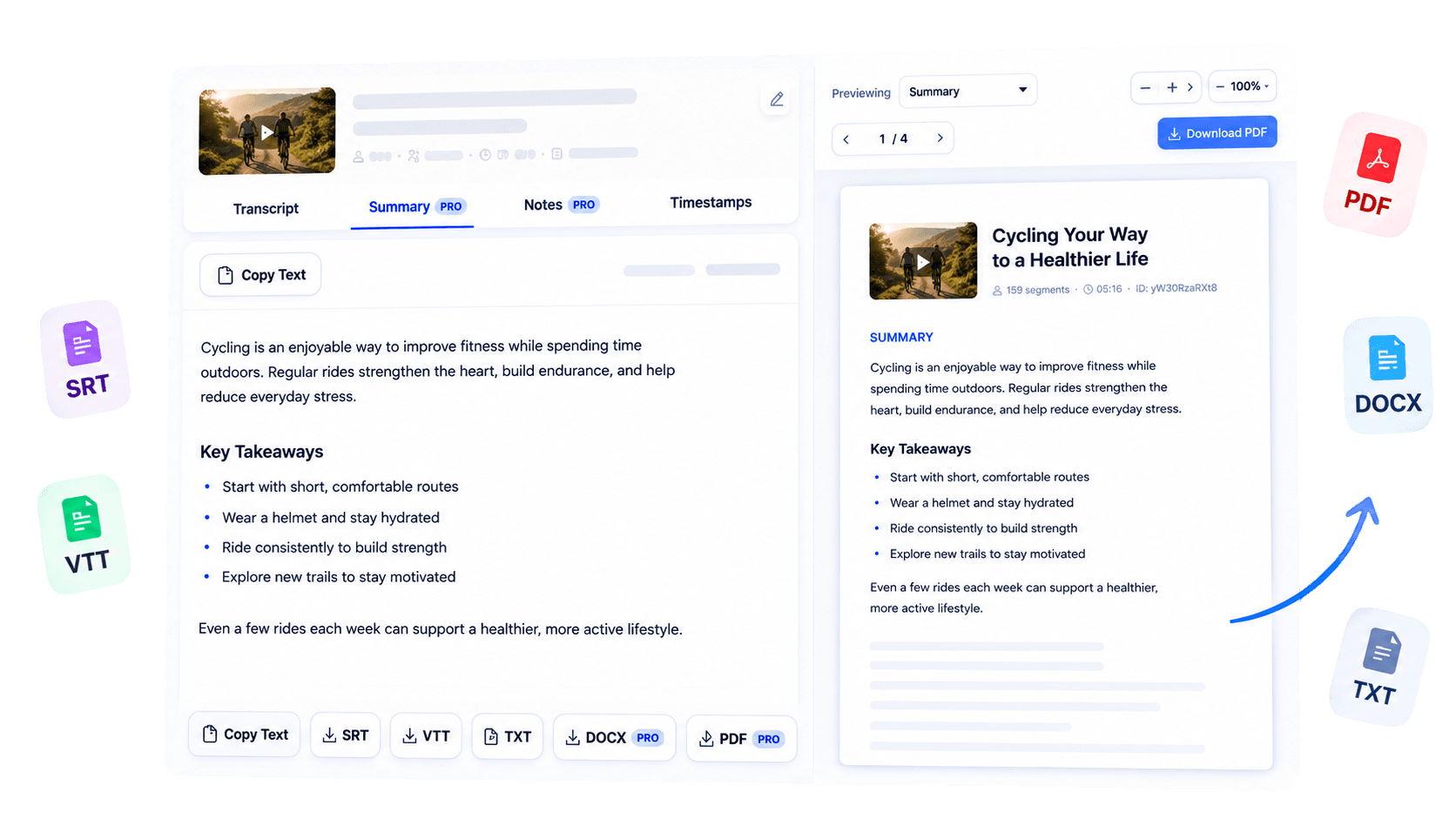
Why use this tool
Highlight central concepts from educational and explanatory transcript text.
Work with supported lectures, talks, interviews, and research-oriented videos on YouTube.
Keep the generated transcript available for checking detail and nuance.
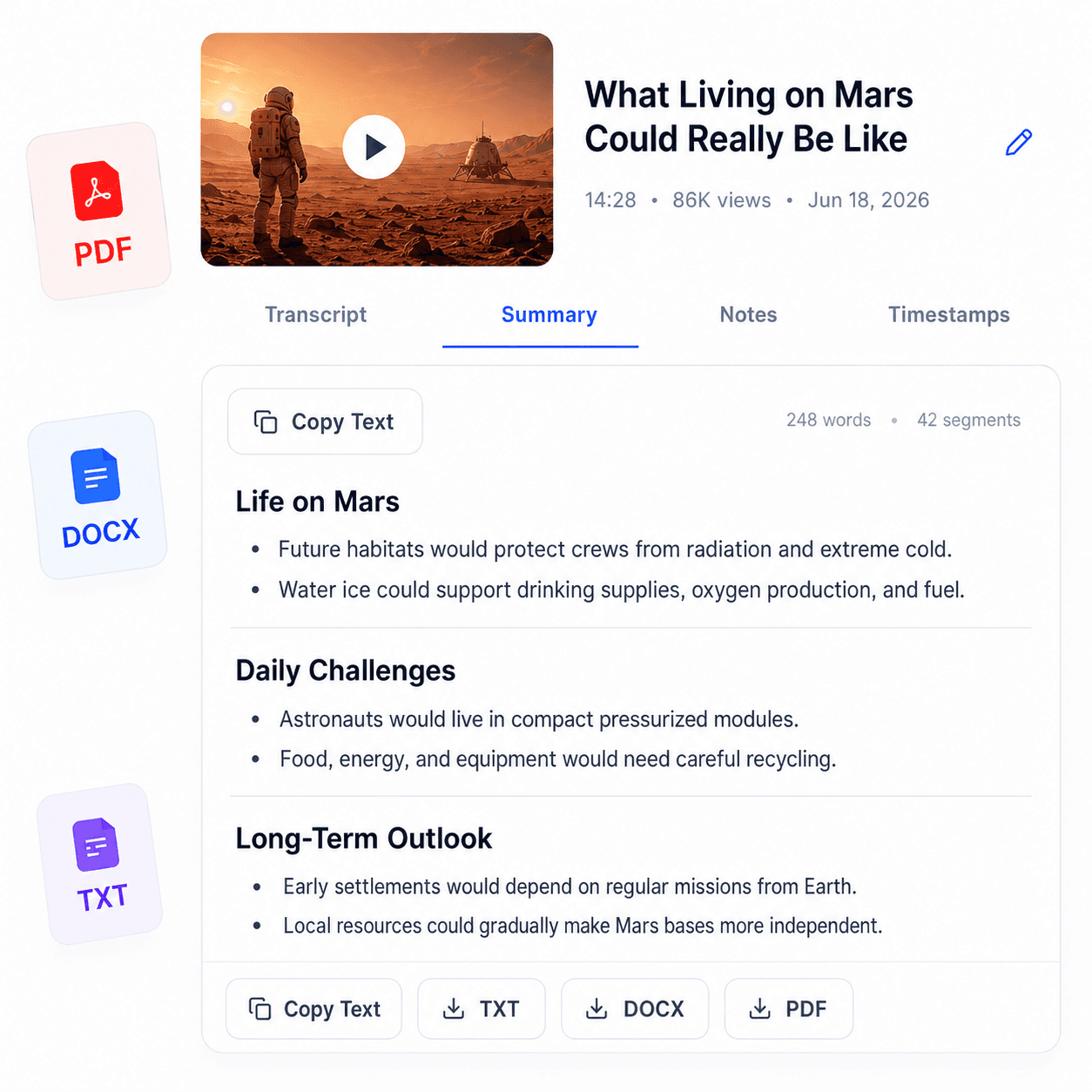
Overview
Educational and informational videos are easier to evaluate when their main ideas are visible at a glance. AI Video Summary turns the transcript of a supported YouTube video into a focused overview for students and researchers.
It can condense a recorded explanation, conference session, documentary-style discussion, or other information-rich video into a more manageable reading experience. The AI works from available transcript text, so it summarizes what is said rather than interpreting charts, demonstrations, or scenes that have no spoken description.
Use the result to orient a research session, compare several sources, or recap material after watching. A summary is a navigation aid, not a substitute for the complete source: verify quotations, numbers, and nuanced claims in the transcript and original video before relying on them in academic or professional work.
Key benefits
Review the focus of several informational videos before choosing where to go deeper.
Get an initial map of topics, arguments, and terminology.
Return to a concise overview after studying the complete recording.
Who it is for
Created for evidence-conscious learners who need a fast orientation to substantial video material.
Preview lectures and recap the concepts discussed in educational videos.
Assess relevance and identify themes before detailed source review.
Condense spoken explanations into a quick reference for further investigation.
How it works
Use a supported public YouTube URL with accessible captions.
Create the text source used by the AI workflow.
Read the overview and return to the source for details that affect your work.
Clear answers about how this tool works, what it supports, and what to expect.
It summarizes available transcript text. It does not inspect frames, scenes, graphics or other visual details.
Supported public YouTube videos with accessible transcript text can enter the summary workflow.
AI features and usage limits depend on your current plan or transcript purchase access.
No. The current input is a supported YouTube URL rather than an arbitrary uploaded video file.
Next step
Use AI to get oriented, then use the source to get exact. Summarize a supported informational video, capture its central direction, and verify the evidence you plan to cite or apply.
Try AI Video SummaryKeep working
Create a concise summary from transcript text.
ExploreGet editable text from supported video content.
ExploreGenerate the transcript used by AI tools.
ExploreCreate searchable text from online lessons.
Explore