
Searchable lesson text
Find concepts, names, and definitions within an individual course video.
Create a searchable transcript from a supported online course video on YouTube. Find concepts and definitions quickly, connect each lesson to your notes, and return to the original recording whenever specialized language or visual context needs verification.
Why use this tool
Find concepts, names, and definitions within an individual course video.
Process supported public YouTube lessons individually for clear source boundaries.
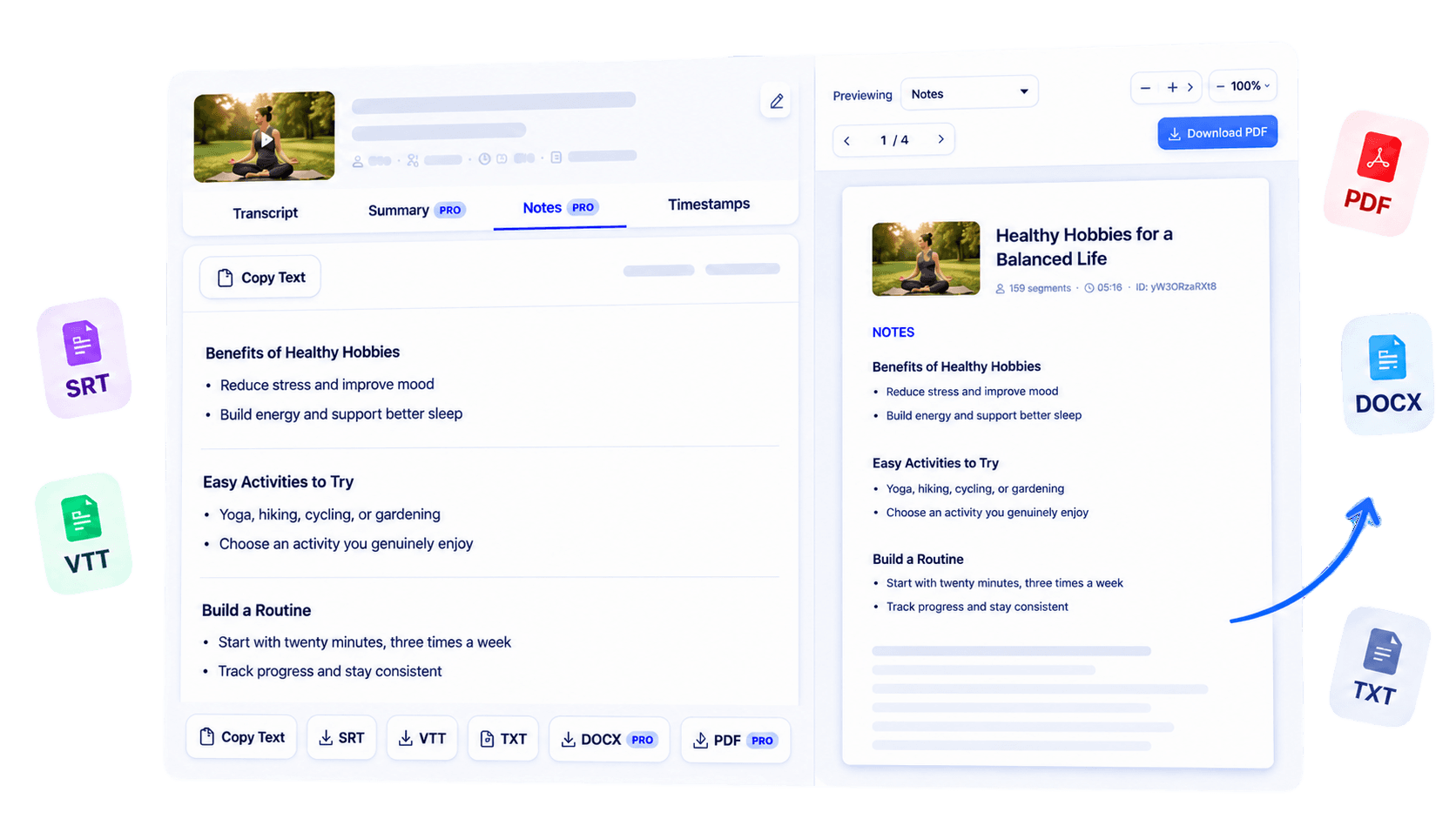
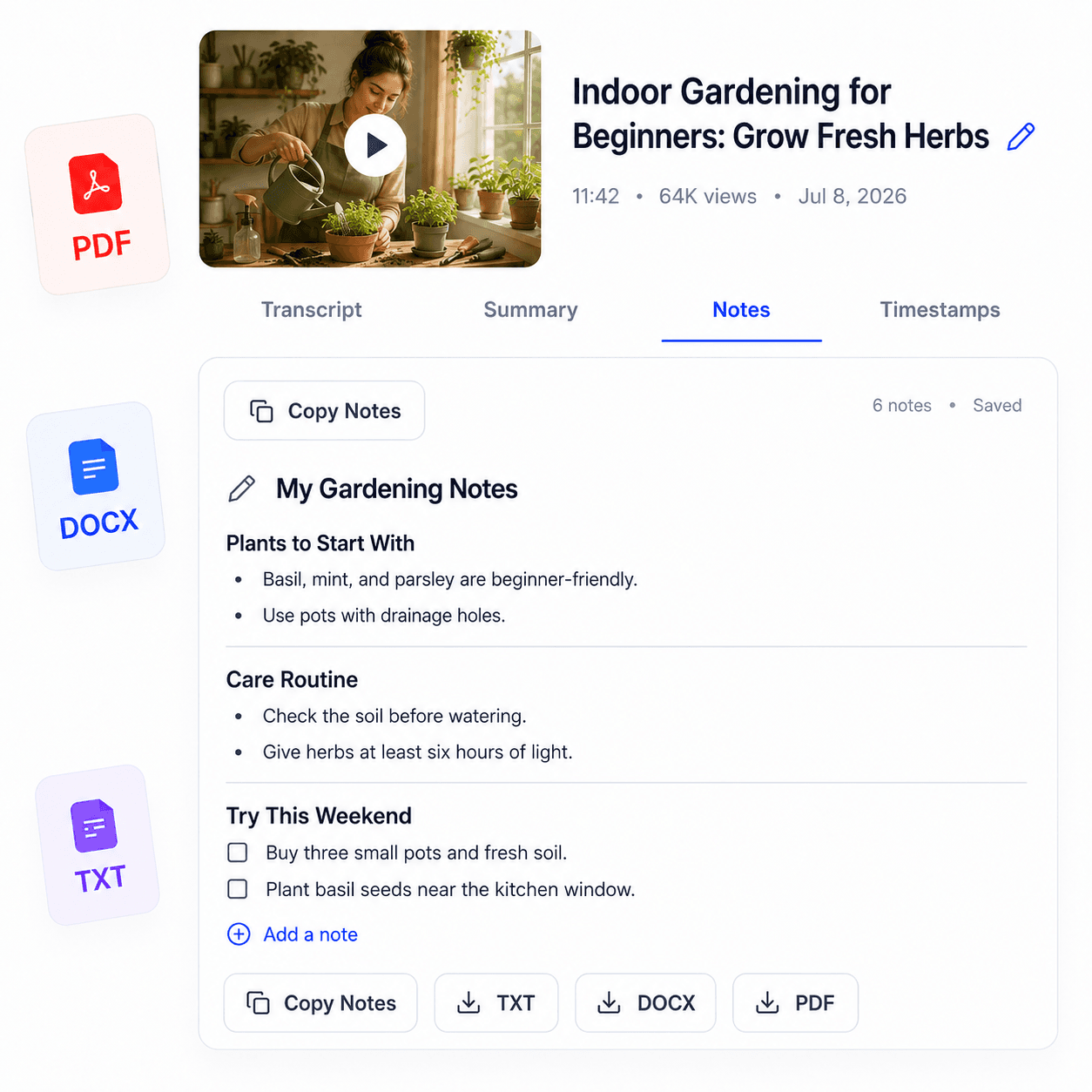
Continue into study notes, lecture notes, summaries, and available exports.
Overview
An online course becomes easier to navigate when each spoken lesson can be searched as text. Course Transcript creates readable transcripts from supported course videos published on YouTube for online education workflows. Learners can locate a definition mentioned several lessons ago, educators can review how a topic was explained, and accessibility teams can assess the written companion to spoken material.
The current process handles one supported public YouTube URL at a time and depends on accessible captions; it does not claim to import an entire learning platform or private course library. After generating a transcript, search it, copy relevant sections, or use supported notes, summaries, and exports. Check specialized terminology and any important claim against the original recording.
A course transcript is most useful as a searchable layer beside the lesson, helping people return to knowledge without losing the instructor’s full context.
Key benefits
Return to a topic through text before reopening the relevant lesson.
Offer written material alongside spoken instruction for flexible review.
Keep permitted transcripts with your own course notes and resources.
Who it is for
Useful across online education wherever spoken lessons need a searchable companion.
Search and review lessons while progressing through a course.
Inspect the spoken structure of published instructional videos.
Support documentation and accessibility review for public course material.
How it works
Copy the URL of a supported public YouTube course video.
Generate and review the available transcript for that lesson.
Use the text with notes, summaries, exports, and your own course system.
Clear answers about how this tool works, what it supports, and what to expect.
The current workflow supports public YouTube course videos with accessible captions.
Yes. Text makes it easier to locate names, definitions, and concepts discussed in a lesson.
Process each supported YouTube video through the current URL-based workflow; bulk course imports are not claimed.
Searchable written text provides another way to review spoken material, though it should be checked against the original lesson.
Next step
Add a searchable layer to the online lessons you rely on. Generate a transcript for each supported course video, verify its specialized language, and connect the text to the rest of your learning materials.
Try Online Course Transcript GeneratorKeep working
Organize the content of recorded classes.
ExploreTurn lessons into revision-ready material.
ExploreExtract text from individual YouTube lessons.
ExploreCondense an informational course video.
Explore