
Lecture-focused organization
Reshape a long class transcript into a more reviewable written sequence.
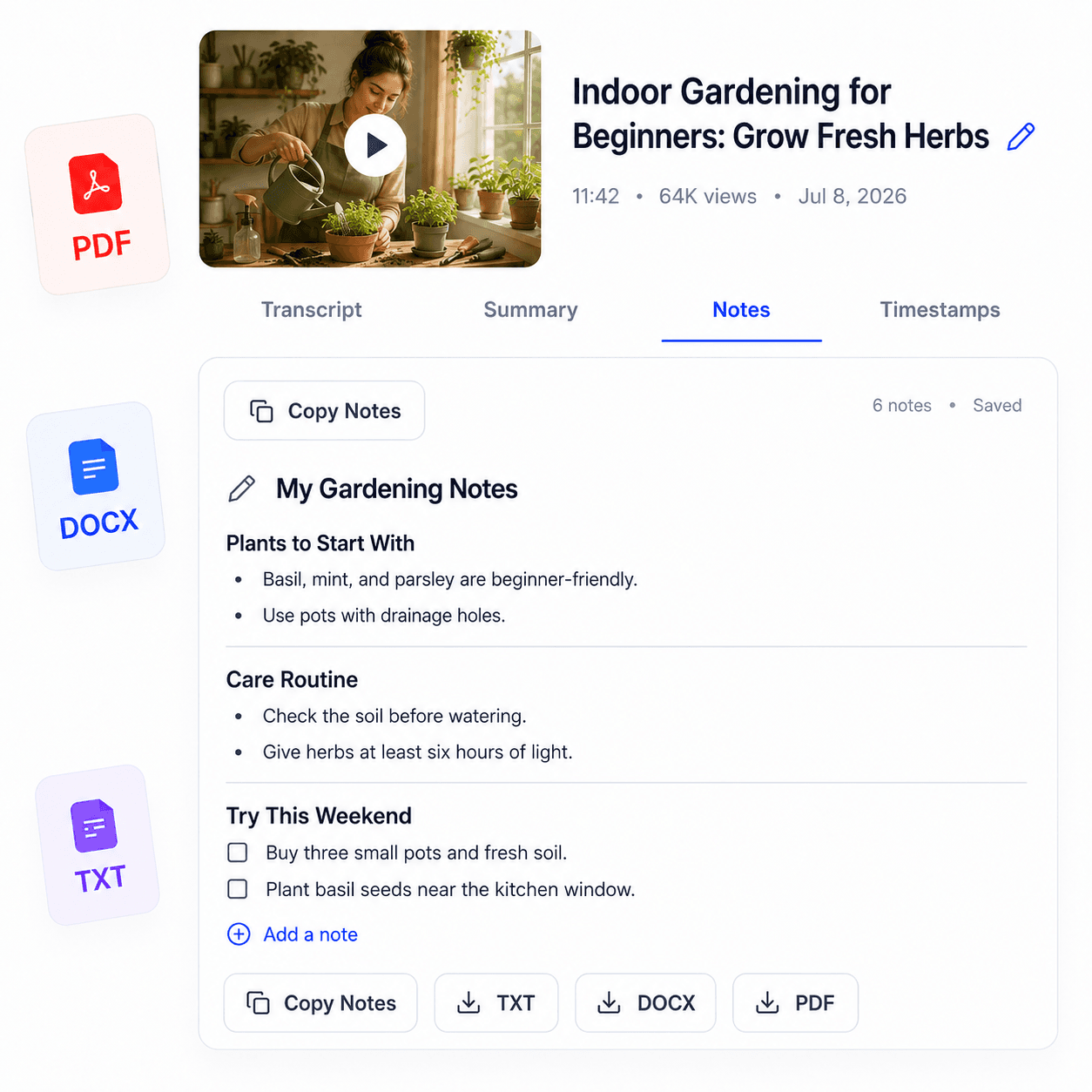
Generate organized notes from a supported recorded lecture on YouTube. Revisit definitions and arguments faster, add your own academic context, and use the original class recording for slides, equations, and demonstrations that are not spoken aloud.
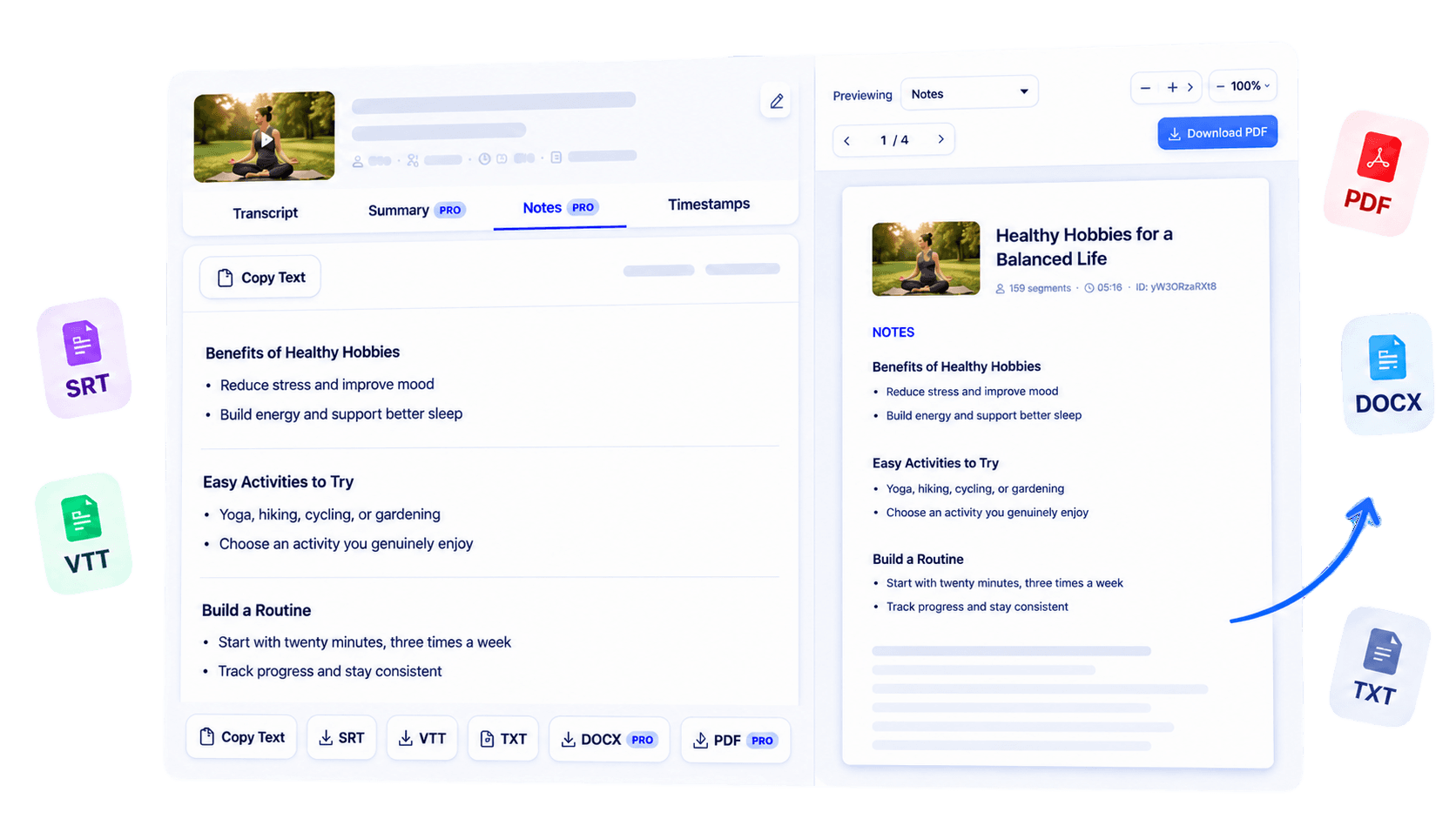
Why use this tool
Reshape a long class transcript into a more reviewable written sequence.
Surface definitions, explanations, and arguments present in the available captions.
Keep the recording central when checking visual material or academic nuance.
Overview
Recorded classes are valuable, but finding one definition or argument inside a full lecture can take longer than the review itself. Lecture Notes Generator organizes the available transcript of a supported class recording for university students and online learners. It helps turn a sequential talk into a clearer written reference for revisiting themes, terminology, and the lecturer’s line of reasoning.
The workflow begins with a public lecture video on YouTube that has accessible captions. Because the notes are grounded in spoken text, they may not contain equations, slides, demonstrations, or whiteboard details that the speaker does not describe aloud. Use the generated material alongside the recording and official course resources, not as a replacement for them.
Add your own questions and corrections so the result reflects both the lecture and your understanding of it.
Key benefits
Locate the portion of a lecture that needs another close review.
Keep organized written references across a sequence of recorded lessons.
Bring identified themes and open questions to seminars or study sessions.
Who it is for
Designed for formal and independent learners working through substantial recorded teaching.
Supplement class materials with a structured view of recorded explanations.
Keep searchable notes while progressing through remote lessons.
Compare takeaways and identify topics that deserve discussion.
How it works
Use a supported public YouTube lecture with accessible captions.
Create the transcript and organize it through the available notes workflow.
Add slide references, equations, and your own interpretation after reviewing the video.
Clear answers about how this tool works, what it supports, and what to expect.
Yes, when a lecture is available as a supported public YouTube video with accessible transcript text.
No. They are a review aid based on spoken transcript content and may not capture slides, demonstrations, or classroom context.
Yes. They can help online learners revisit definitions, arguments, and the sequence of a recorded lesson.
You can reuse the generated transcript and access supported export or AI options according to your access level.
Next step
Make a recorded class easier to return to throughout the term. Generate lecture notes from its spoken transcript, add the visual and academic context yourself, and use the result as a guide for deeper review.
Try Lecture Notes GeneratorKeep working
Structure educational content for revision.
ExploreCreate searchable text from course videos.
ExploreSave a class transcript for offline reading.
ExploreOrganize any supported YouTube transcript.
Explore