
Searchable conversations
Turn a captioned podcast video into text that can be scanned by topic or speaker reference.
Convert a podcast episode published on YouTube into searchable transcript text. Find names, topics, and useful passages faster, then continue with summaries, notes, or document exports while keeping the original recording available for careful quotation and review.
Why use this tool
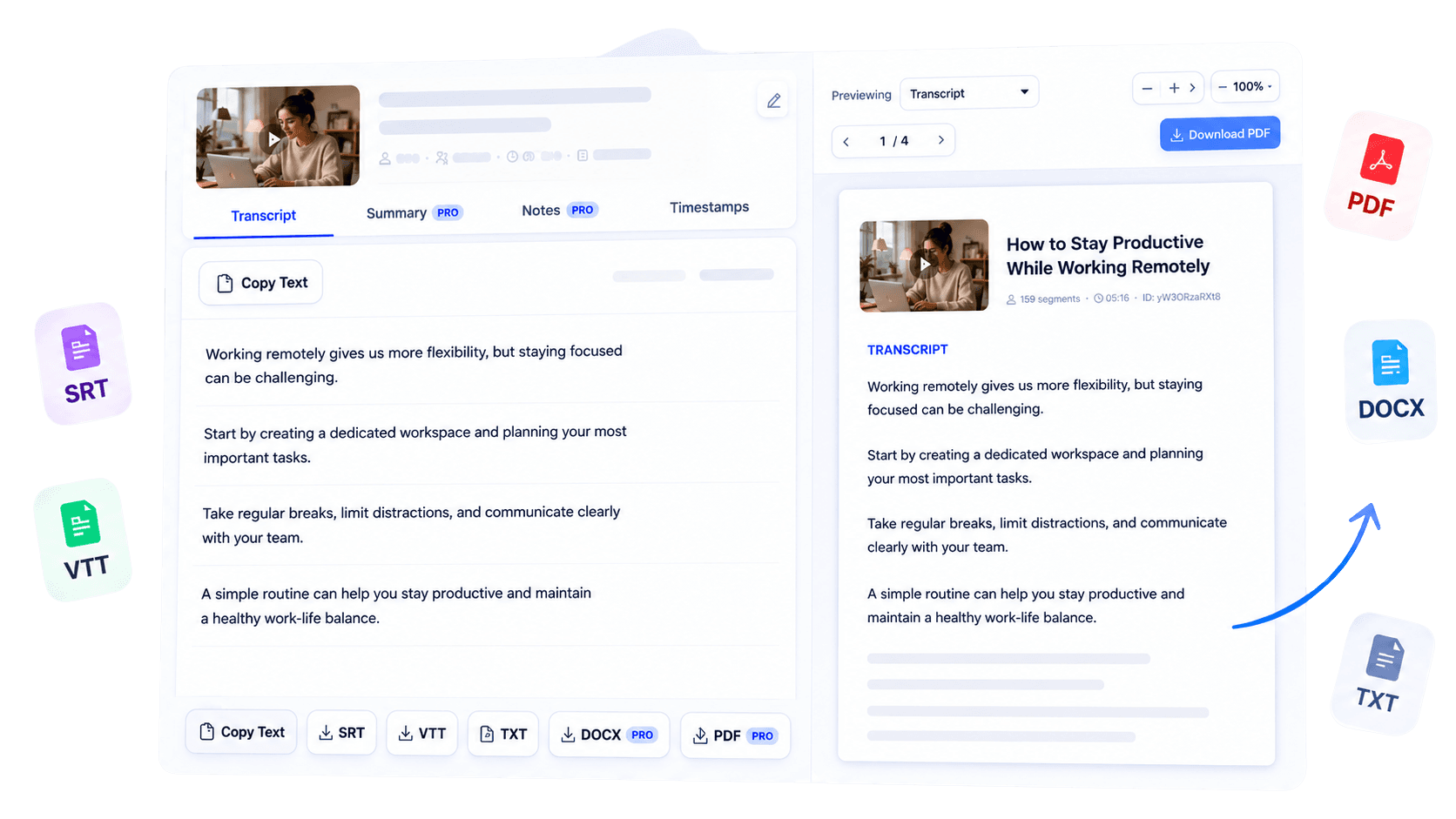
Turn a captioned podcast video into text that can be scanned by topic or speaker reference.
Process podcast episodes published as supported public YouTube videos.
Continue from the transcript into summaries, notes, and available document exports.
Overview
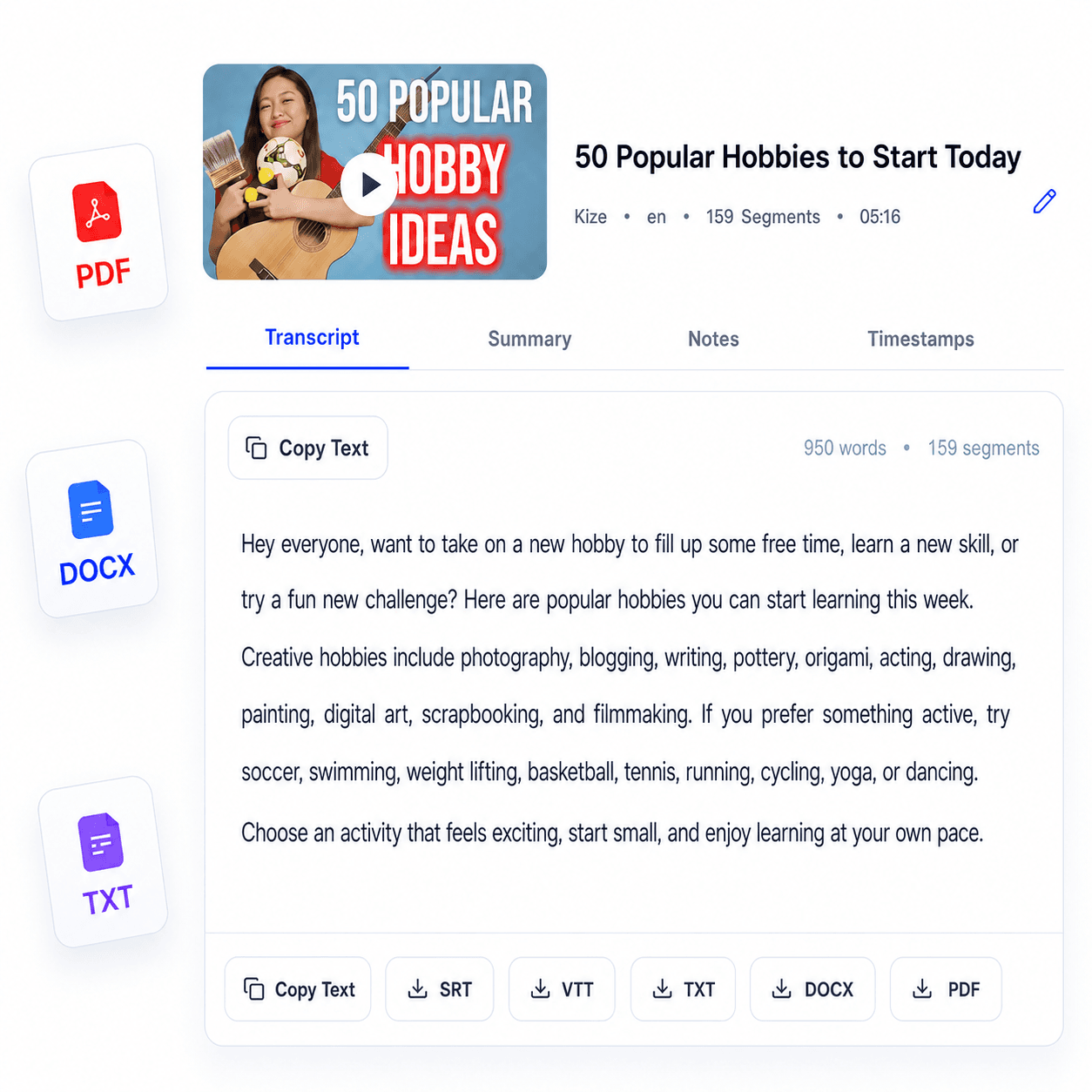
A podcast episode becomes far more discoverable when its spoken conversation is available as searchable text. TubeText’s podcast transcript generator converts episodes published as supported public YouTube videos into readable transcripts using their accessible captions. Podcasters can review interviews and prepare derivative content, marketers can locate audience-ready themes, and journalists can examine statements without replaying an entire conversation.
The current input is a YouTube URL; Spotify links, RSS feeds, Apple Podcasts pages, and uploaded audio files are not part of this workflow. Once the transcript is generated, search for names or topics, copy relevant passages, and use supported summary, note, or export tools based on your access. Always check quotations and sensitive claims against the original recording.
The text helps you navigate the episode while the published audio remains the authoritative source.
Key benefits
Locate recurring themes and memorable passages without constant replay.
Use the transcript while outlining articles, show notes, and promotional assets.
Read the relevant context, then confirm exact wording in the recording.
Who it is for
Built for people who publish, research, or communicate the ideas contained in long-form conversations.
Review episodes and prepare material for show notes or follow-up content.
Identify themes and passages that can support a broader campaign.
Search interviews efficiently while keeping the original source available.
How it works
Copy the public URL for a podcast video with accessible captions.
Submit the link and let TubeText format the available transcript.
Review the text, verify key passages, and choose your next supported tool.
Clear answers about how this tool works, what it supports, and what to expect.
Podcast episodes published as public YouTube videos with accessible captions are the supported input.
No. The current transcript form accepts supported YouTube URLs, not Spotify or Apple Podcasts links.
No. Audio file uploads are not available in the current TubeText workflow.
You can search, review and reuse the transcript, then access supported AI tools or exports according to your access level.
Next step
Make a long podcast episode easier to investigate and reuse. Generate its searchable transcript from YouTube, confirm the moments that matter, and turn the conversation into responsible editorial or research work.
Try Podcast Transcript GeneratorKeep working
Generate text from a supported YouTube video.
ExploreSummarize available podcast transcript text.
ExploreOrganize podcast transcript content into notes.
ExploreEdit a podcast transcript in a Word document.
Explore