
YouTube guide
How to Turn a YouTube Video into Notes
Learn how to turn a YouTube video into clear, useful notes with a transcript, selective timestamps, and a simple review process.
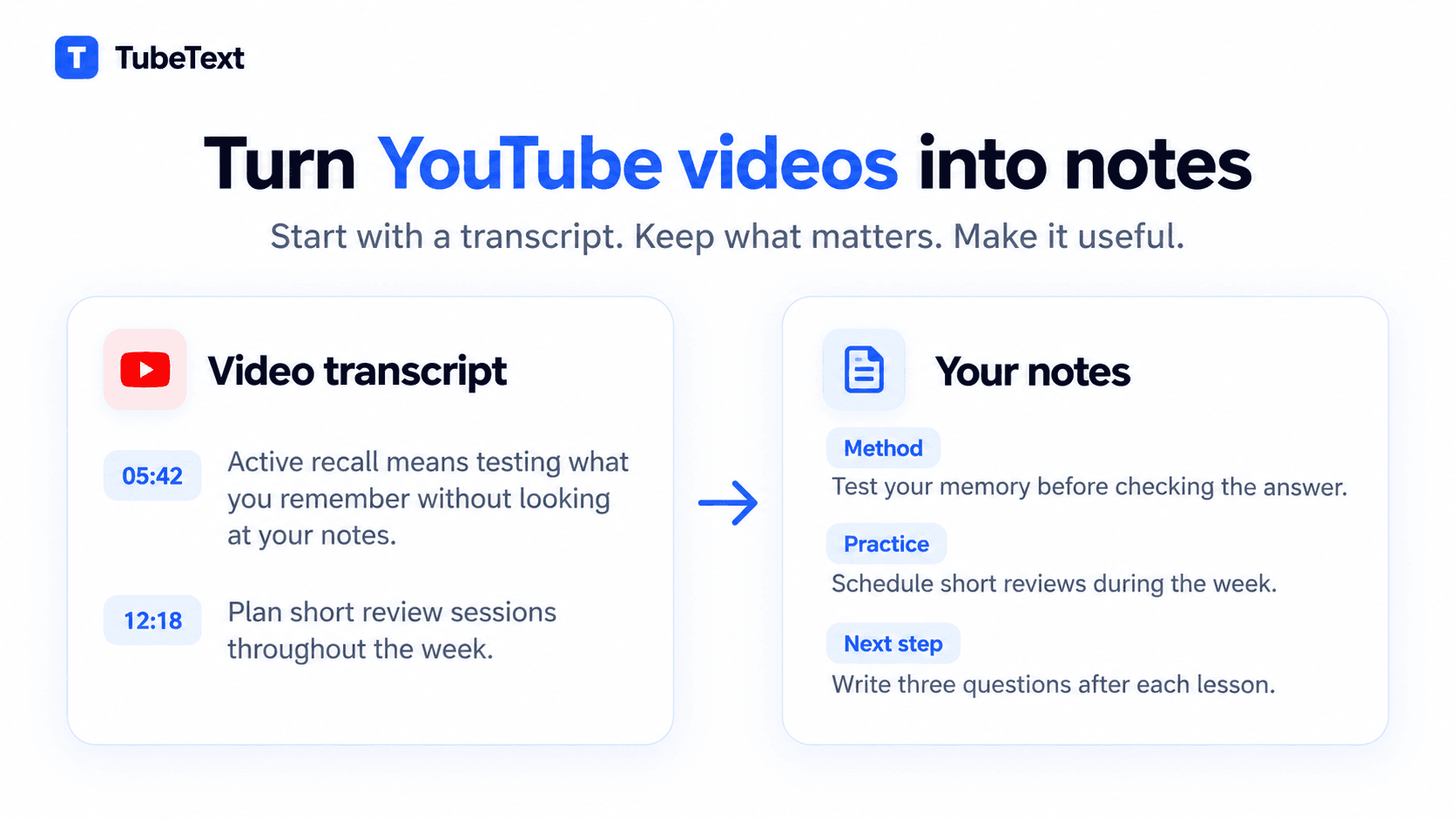
A better way to take notes from YouTube
You find a good YouTube video, watch half of it, and realize you have already forgotten something from the beginning. So you go back, pause, type a few lines, press play, and repeat. Ten minutes later, the video feels more like homework than something you wanted to watch.
There is an easier way to take notes from a YouTube video. Start with the transcript, find the parts you care about, and write only what you will want to see again. You will spend less time jumping around the video and end up with a much shorter document.
Start with the transcript
Copy the link to a public YouTube video and paste it into the TubeText YouTube Transcript Generator. If the video has captions in more than one language, choose the one you want to work with and generate the text.
Keep the timestamps if they are available. They save a surprising amount of time later, especially when the speaker refers to a chart, demonstrates something on screen, or explains a difficult term.
Before moving on, skim a few lines and check whether the transcript looks accurate. Automatic captions sometimes struggle with names, numbers, accents, or technical vocabulary. You do not need to correct every small mistake now. Just remember which parts may need another listen.
Decide what you want to learn
The same video can produce completely different notes for different people. Someone studying for an exam may need definitions and connections between topics. A developer following a tutorial probably cares more about commands, settings, and errors. Someone watching an interview may only want a few arguments and quotations.
Write your purpose at the top of the page in one sentence. It can be as plain as: “I want to understand the method well enough to try it this weekend.”
That sentence gives you a filter. If a passage does not help with that goal, you can leave it out. This is what stops your notes from becoming a slightly shorter copy of the transcript.
Scan before you start writing
This sounds slower than it is. A transcript is much faster to scan than a video is to watch, and the first read shows you how the speaker has organized the subject.
Notice where the introduction ends. Watch for moments when the conversation changes direction. Mark definitions, examples, instructions, surprising claims, and anything you did not fully understand. Ignore greetings, sponsorships, repeated explanations, and unrelated stories unless you genuinely want to remember them.
At this stage, highlighting a sentence is enough. Do not stop to polish every line. You are still deciding what belongs in the final document.
Organize ideas instead of copying the timeline
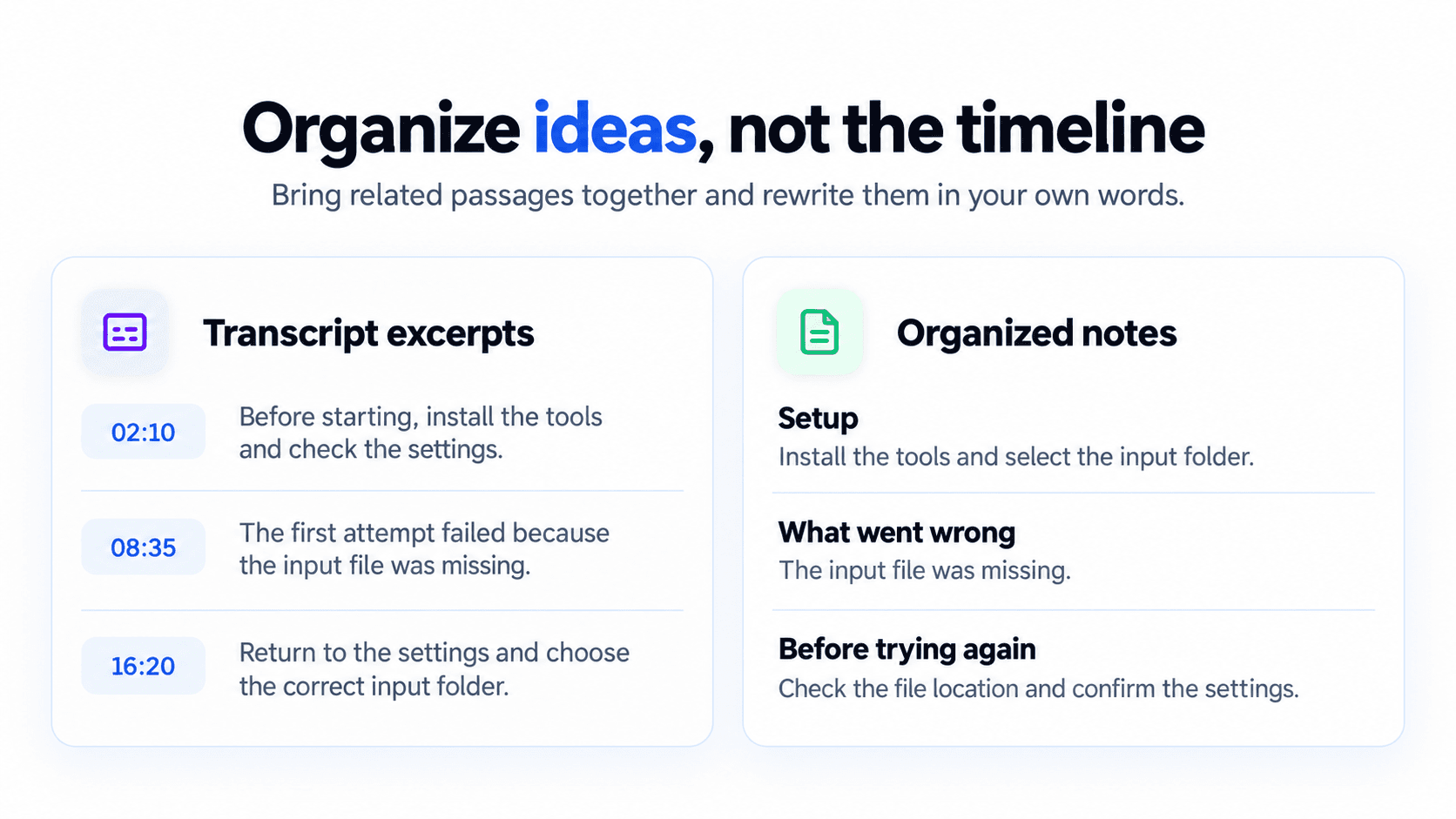
Video conversations are rarely as tidy as written articles. A speaker may introduce something, move to another topic, then return to the earlier thought ten minutes later. Your notes do not need to copy that order.
Group related passages together and add headings that will make sense when you open the document next month. For a tutorial, those headings might be “Setup,” “First attempt,” “What went wrong,” and “Final settings.” Notes from a lecture might be easier to follow when grouped by concept rather than by time.
Keep the structure small. If a 20-minute video gives you twelve sections, you have probably divided it too finely.
Rewrite the important parts in your own words
Spoken language contains repetition, unfinished sentences, and filler. That is normal in a video, but it makes poor notes.
Suppose a speaker spends a minute explaining that new material is easier to remember when you return to it after a delay. Your note could simply say: “Review new material after a short break instead of repeating it several times in one sitting.”
One clear sentence is often enough. Add the example only if it helps you understand or apply the advice.
Writing this way also shows whether you understood the passage. If you can only copy the original wording, replay that section and try again. There may be a detail or connection you missed.
Quotes are different. When the exact wording matters, keep the quotation marks and listen to the original audio once more. Caption errors are easy to overlook when a sentence looks convincing on the page.
Use timestamps selectively
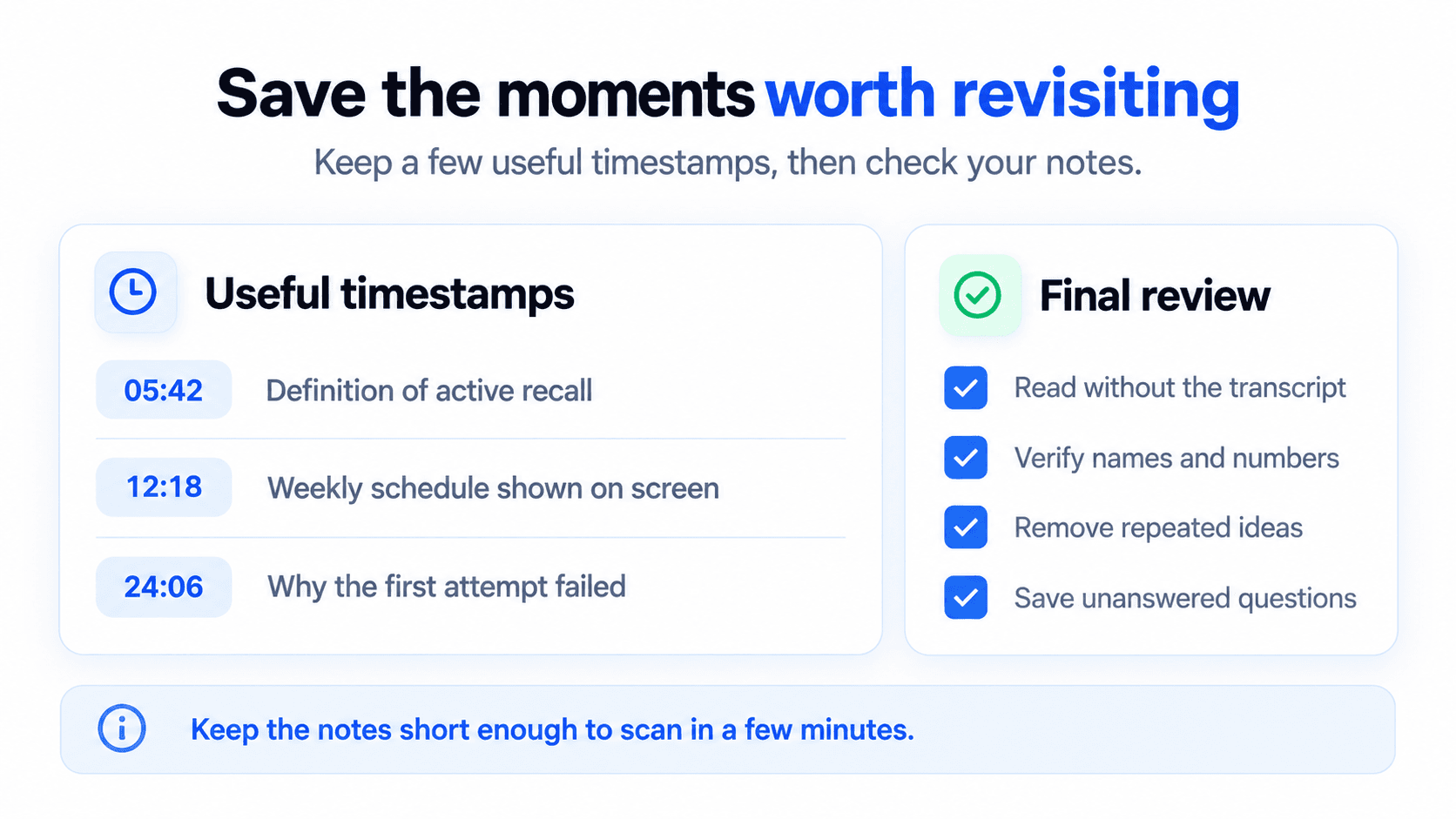
A page filled with timestamps becomes hard to read. Save them for places where the video adds something the transcript cannot show, or where you expect to return for more context.
For instance:
- 05:42 — The speaker defines active recall
- 12:18 — Weekly schedule shown on screen
- 24:06 — Explanation of why the first attempt failed
Three or four well-chosen timestamps are often more helpful than one beside every paragraph.
Review the notes without the transcript
Put the transcript aside and read only your notes. Do they still make sense? Could you tell what the video taught without replaying the whole thing?
Now check anything that would be embarrassing or misleading to get wrong: a person's name, a date, a statistic, a command, a measurement, or a direct quotation. If the information will be used in research, an assignment, or something you plan to publish, compare it with the original source rather than trusting the captions alone.
Then cut the parts you repeated. Shorten long paragraphs. Move anything unfinished into a small “Questions” section so it does not get lost.
A simple template for YouTube notes
You do not need a complicated template. This is enough for most videos:
- Title
- Link
- Channel or speaker
- Why I watched it
- Summary — describe what the video covers in two or three sentences
- Key ideas — organize the material under headings that match the subject
- Examples — save only the ones that clarify an explanation or show how to apply it
- Questions — note what still needs an answer or should be checked elsewhere
- Next steps — write down anything you want to try, research, or finish
- Timestamps — keep the moments that are worth opening again
Delete any section you do not need. A template should make note-taking faster, not give you more boxes to fill.
Use an AI summary as a head start
A summary can help you get oriented before reading a long transcript. It is particularly handy for lectures, webinars, and podcasts that run for an hour or more.
Still, the summary does not know why you opened the video. It may skip the one example you needed, flatten an important distinction, or spend too much space on a topic you already understand. Treat it as a head start. Read the relevant passages yourself and shape the notes around what you came to learn.
Create notes you will actually use
The goal is not to preserve every sentence. It is to leave yourself something you can scan in a few minutes and still understand weeks later.
Paste a public YouTube link into TubeText, generate the transcript, and turn the parts that matter into notes you will actually use.