
Timed caption segments
Keep timing information connected to the spoken text when the source provides it.
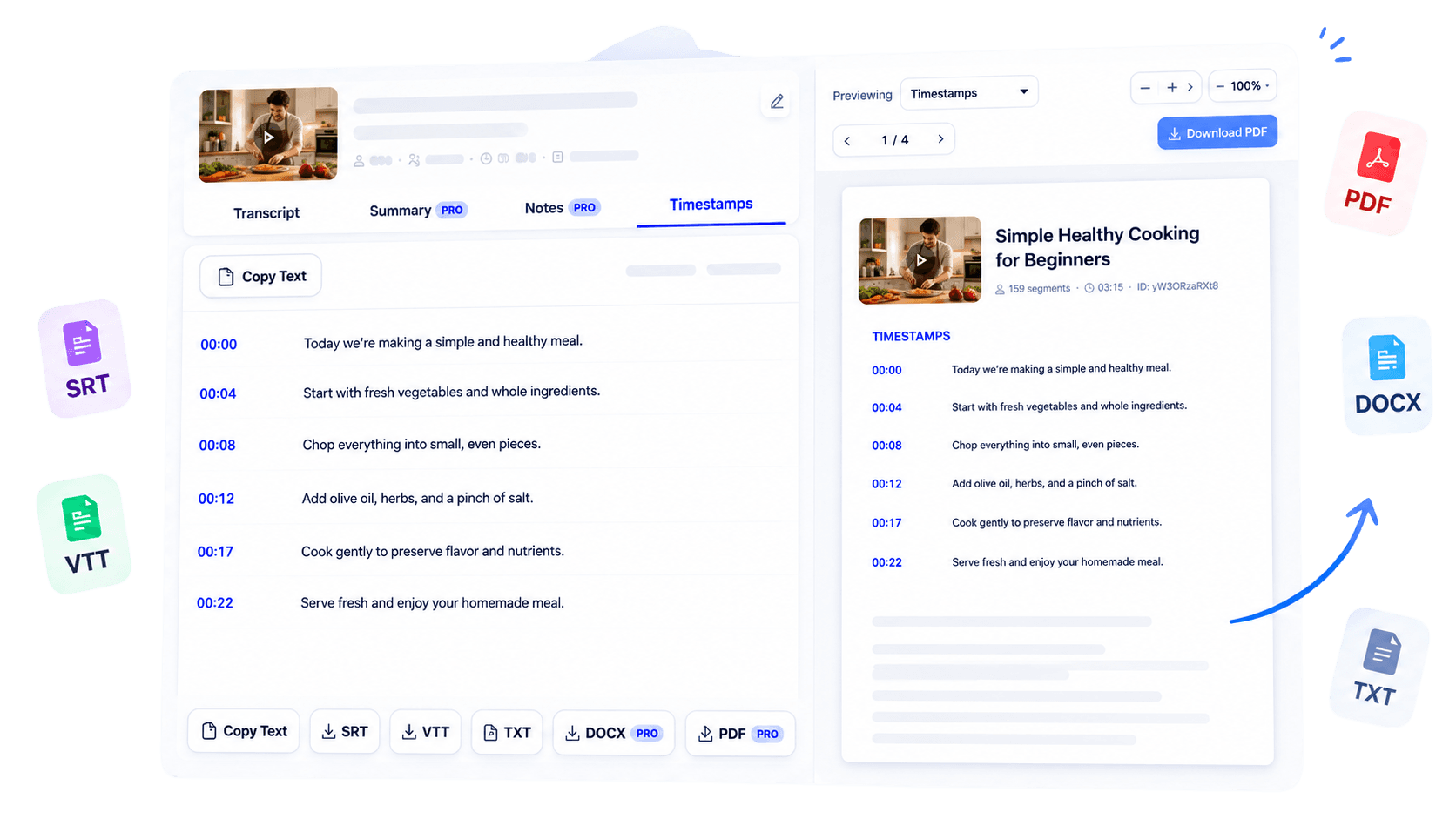
Generate timestamp-aware subtitle text from a supported public YouTube video. Review the available captions, check important wording, and use supported SRT or VTT exports in your publishing and video editing workflow without rebuilding every caption cue manually.
Why use this tool
Keep timing information connected to the spoken text when the source provides it.
Use supported SRT and VTT exports according to your current access.
Read through the extracted wording before moving it into an editing workflow.
Overview
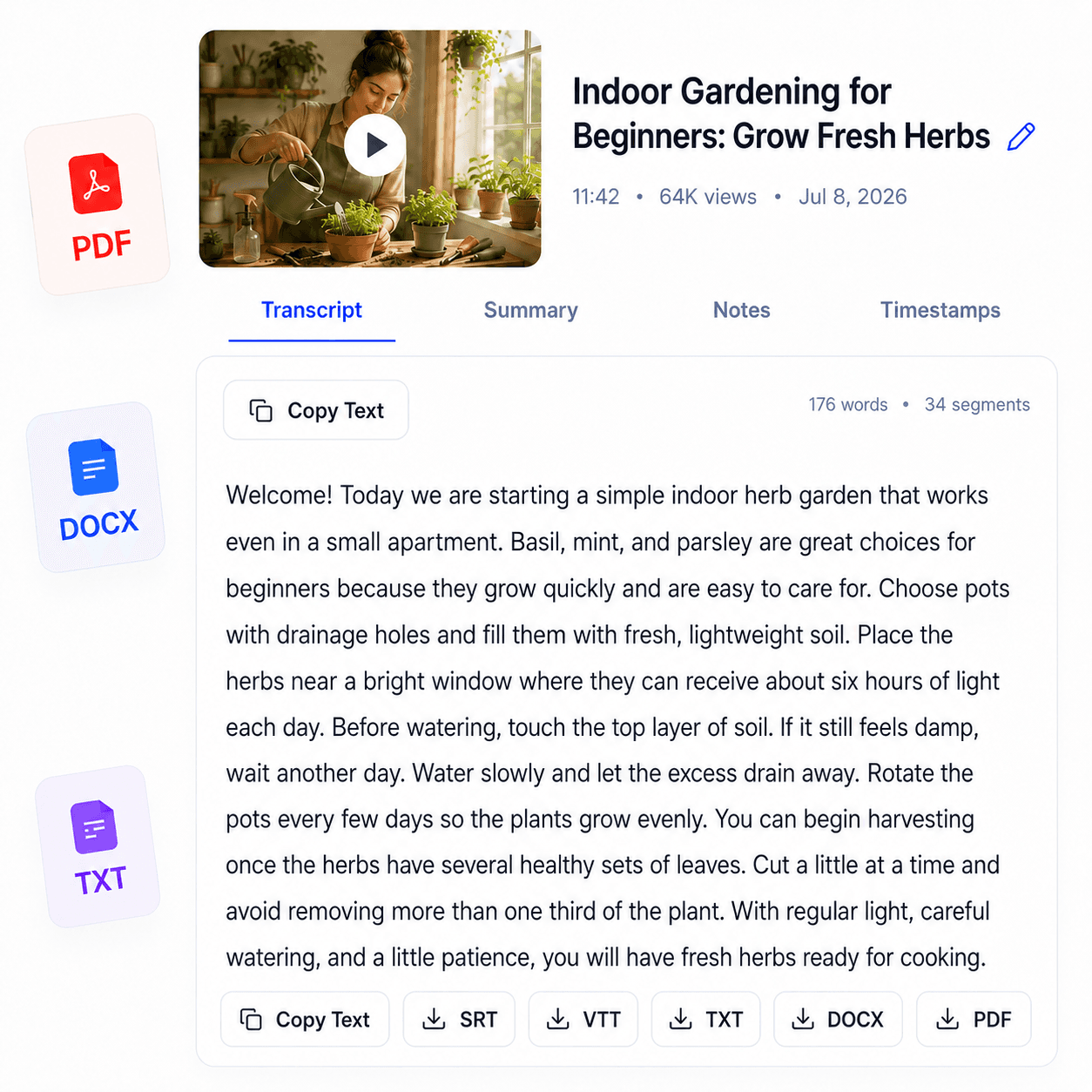
Subtitles help viewers follow a video in quiet environments, understand fast speech, and revisit a precise moment. TubeText’s YouTube subtitle generator retrieves timed caption segments from a supported public YouTube video and presents them in a practical subtitle workflow.
It is designed for video creators who need to inspect existing captions, prepare text for an editing process, or work with supported SRT and VTT exports. Because the current process relies on accessible YouTube captions, availability and timing quality depend on the source video.
You can review the text before using it, check names or technical terms against the recording, and choose an export format supported by your access level. The result is a faster route from a published YouTube video to timestamp-aware caption text without manually copying every spoken line.
Key benefits
Start from available caption timing instead of rebuilding every cue from scratch.
Use clear captions as part of a more accessible viewing experience.
Move timestamped text into compatible caption and video tools.
Who it is for
Made for creators who need practical access to the words and timing already associated with a YouTube video.
Inspect captions and prepare them for publishing or correction.
Bring supported subtitle files into compatible editing timelines.
Review the language used across published video assets.
How it works
Choose a supported public video with accessible captions.
TubeText retrieves the available wording and timing data.
Check the captions and use an available subtitle format for the next step.
Clear answers about how this tool works, what it supports, and what to expect.
Yes, when accessible YouTube captions include timing data, TubeText can display timestamped transcript segments.
Current subtitle exports include SRT and VTT where available for your plan or purchase access.
The current workflow depends on accessible captions for the YouTube video, so captionless videos may not work.
You can review and export supported timestamped formats for use in compatible editing or caption workflows.
Next step
Give your caption workflow a reliable text-first starting point. Extract the available subtitles, review important wording and timing, then export the supported format that works with your publishing or editing setup.
Try YouTube Subtitle GeneratorKeep working
Get a clean, readable transcript.
ExploreConvert supported video content to text.
ExploreOrganize transcript content into notes.
ExploreExport captions as portable plain text.
Explore